Flux 2 Flash & Turbo is now live! ⚡️Try Now

AI 圖片編輯器 - 多模型 AI 圖片編輯

由 Flux Kontext 和頂級 AI 模型提供技術支援的 AI 圖片編輯器

AI Image Editor

將您的圖像拖曳到、單擊或貼上到此處

最大檔案大小:5 MB

0/5000

Advanced Settings

AI Images History

Cartoonified Mona Lisa
Example
Cartoonified
Transform into cartoon style with vibrant colors and simplified features
Hair color changed
Example
Hair Changed
Change hair color to vibrant rainbow colors while keeping natural texture
Restored old photo
Example
Restored
Restore damaged vintage photo, enhance clarity and remove artifacts
Background changed
Example
Background Changed
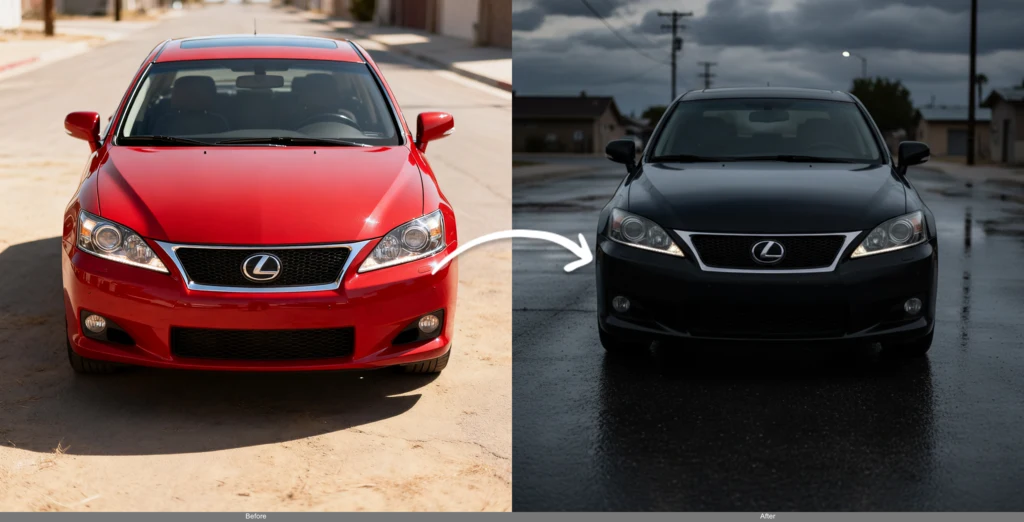
Replace background with modern urban cityscape while maintaining natural lighting
Sign in to generate and save your own images
AI Models

AI 圖片編輯器模型

從我們的高級 AI 圖片編輯模型集合中進行選擇。每個模型都為不同的編輯任務提供獨特的優勢。

Hot
New
Flux 2 Flash logo

Flux 2 Flash

Fast image editing with natural language descriptions and precise modifications

Flux 2
Fast
Multi-Image
Credits4
Speed5 sec

Features

Text Prompts
Aspect Ratio
Strength
Advanced
Hot
New
Flux 2 Turbo logo

Flux 2 Turbo

Turbo speed image editing with natural language descriptions and precise modifications

Flux 2
Turbo
Multi-Image
Credits8
Speed4 sec

Features

Text Prompts
Aspect Ratio
Strength
Advanced
Hot
New
Flux 2 Dev logo

Flux 2 Dev

Open-weight editing with multi-image support and enhanced realism

Flux 2
Custom Size
Multi-Image
Credits10
Speed10 sec

Features

Text Prompts
Aspect Ratio
Strength
Advanced
Hot
New
Flux 2 Pro logo

Flux 2 Pro

Production-ready editing with state-of-the-art quality and speed

Flux 2
Pro
Custom Size
Credits16
Speed14 sec

Features

Text Prompts
Aspect Ratio
Strength
Advanced
Hot
New
Flux 2 Max logo

Flux 2 Max

State-of-the-art image editing with exceptional realism, precision, and consistency

Flux 2
Max
Custom Size
Multi-Image
Credits28
Speed15 sec

Features

Text Prompts
Aspect Ratio
Strength
Advanced
Hot
New
Flux 2 Flex logo

Flux 2 Flex

Flexible editing with adjustable parameters and enhanced text rendering

Flux 2
Custom Size
Multi-Image
Credits24
Speed12 sec

Features

Text Prompts
Aspect Ratio
Strength
Advanced
Flux Kontext Dev logo

Flux Kontext Dev

Context-aware image editing with high quality results

Fast
Credits10
Speed5 sec

Features

Text Prompts
Aspect Ratio
Strength
Advanced
Hot
Flux Kontext Pro logo

Flux Kontext Pro

Context-aware image editing with high quality results

High Quality
Credits16
Speed8 sec

Features

Text Prompts
Aspect Ratio
Strength
Advanced
Flux Kontext Max logo

Flux Kontext Max

Enhanced context editing with improved quality and control

Best Quality
Credits32
Speed10 sec

Features

Text Prompts
Aspect Ratio
Strength
Advanced
Nano Banana logo

Nano Banana

Google's state-of-the-art image generation and editing model

Multi-Image
Google AI
Credits16
Speed20 sec

Features

Text Prompts
Aspect Ratio
Strength
Advanced
Hot
New
Nano Banana Pro logo

Nano Banana Pro

Google's advanced image editing model with realism and typography

Realism
Typography
Google AI
Credits40
Speed15 sec

Features

Text Prompts
Aspect Ratio
Strength
Advanced
Gemini Flash Edit logo

Gemini Flash Edit

Fast image editing with Google Gemini Flash

Fast
Google
Credits16
Speed5 sec

Features

Text Prompts
Aspect Ratio
Strength
Advanced
Qwen Image Edit logo

Qwen Image Edit

Superior text editing capabilities with Qwen's image editing model

Text Editing
High Quality
Credits12
Speed15 sec

Features

Text Prompts
Aspect Ratio
Strength
Advanced
Qwen Image Edit Plus logo

Qwen Image Edit Plus

Superior text editing capabilities with multi-image support and enhanced quality

Text Editing
Multi-Image
High Quality
Credits12
Speed20 sec

Features

Text Prompts
Aspect Ratio
Strength
Advanced
Hot
New
Qwen Image Edit 2511 logo

Qwen Image Edit 2511

Latest Qwen image editing model with enhanced text editing and multi-image support

Text Editing
Multi-Image
Latest
Credits12
Speed15 sec

Features

Text Prompts
Aspect Ratio
Strength
Advanced
Hot
New
Seedream V4.5 Edit logo

Seedream V4.5 Edit

Multi-image editing with unified architecture, supports up to 10 input images

Multi-Image
2K+ Only
V4.5
Credits16
Speed15 sec

Features

Text Prompts
Aspect Ratio
Strength
Advanced
Seedream V4 logo

Seedream V4

New-generation model integrating image generation and editing in unified architecture

Multi-Image
Custom Size
Unified Architecture
Credits12
Speed15 sec

Features

Text Prompts
Aspect Ratio
Strength
Advanced
SeedEdit V3 logo

SeedEdit V3

Precise image editing with enhanced control

Precise
Controlled
Credits10
Speed12 sec

Features

Text Prompts
Aspect Ratio
Strength
Advanced
Hot
New
Z-Image Turbo I2I logo

Z-Image Turbo I2I

Super fast 6B parameter image-to-image model developed by Alibaba Tongyi-MAI

Turbo
Fast
Custom Size
Credits2
Speed5 sec

Features

Text Prompts
Aspect Ratio
Strength
Advanced
Hot
New
Wan 2.6 I2I logo

Wan 2.6 I2I

Wan 2.6 image-to-image model with multi-image support, supports Chinese and English prompts

Wan AI
V2.6
Multi-Image
Chinese & English
Credits12
Speed15 sec

Features

Text Prompts
Aspect Ratio
Strength
Advanced
Hot
New
Kling Image O1 logo

Kling Image O1

Precise image editing with strong reference control and visual consistency

Multi-Image
Precise Control
Reference
Credits12
Speed20 sec

Features

Text Prompts
Aspect Ratio
Strength
Advanced
GPT Image 1 Edit logo

GPT Image 1 Edit

OpenAI's latest multi-image editing model powered by GPT-5 with superior quality

OpenAI
GPT-5
Multi-Image
High Quality
Credits16
Speed90 sec

Features

Text Prompts
Aspect Ratio
Strength
Advanced
Hot
New
GPT Image 1.5 Edit logo

GPT Image 1.5 Edit

High-fidelity image editing with strong prompt adherence, preserving composition, lighting, and fine-grained detail

OpenAI
GPT-1.5
Multi-Image
High Fidelity
Credits14
Speed60 sec

Features

Text Prompts
Aspect Ratio
Strength
Advanced
GPT Image 1 Mini Edit logo

GPT Image 1 Mini Edit

Efficient multi-image editing powered by GPT-5

OpenAI
GPT-5
Multi-Image
Credits8
Speed60 sec

Features

Text Prompts
Aspect Ratio
Strength
Advanced
Reve Edit logo

Reve Edit

High-quality image editing with advanced control

High Quality
Advanced
Credits12
Speed15 sec

Features

Text Prompts
Aspect Ratio
Strength
Advanced
Hot
Reve Fast Edit logo

Reve Fast Edit

Lightning-fast image editing via text prompt with Reve's fast edit model

Fast
Lightning Speed
Credits4
Speed5 sec

Features

Text Prompts
Aspect Ratio
Strength
Advanced
MiniMax Subject Reference logo

MiniMax Subject Reference

Subject-aware image editing with reference support

Subject-Aware
Reference
Credits16
Speed18 sec

Features

Text Prompts
Aspect Ratio
Strength
Advanced

為什麼選擇我們的 AI 圖片編輯器模型?

1

多種 AI 技術

在一個平台上存取來自 Flux、SeedEdit、Gemini 和 MiniMax 的尖端 AI。

2

彈性定價

從每次生成 4 到 32 個積分,選擇適合您預算和品質需求的模型。

3

專業功能

每個模型都為不同的編輯任務和用例提供獨特的功能。

AI 圖片編輯器的主要功能

探索強大的 AI 圖片編輯功能,以專業品質的結果轉換您的照片。

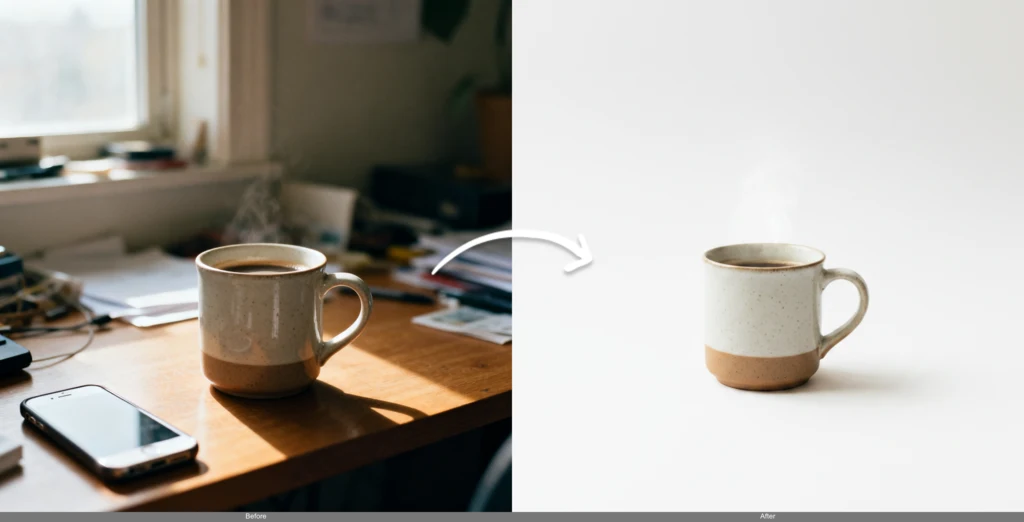
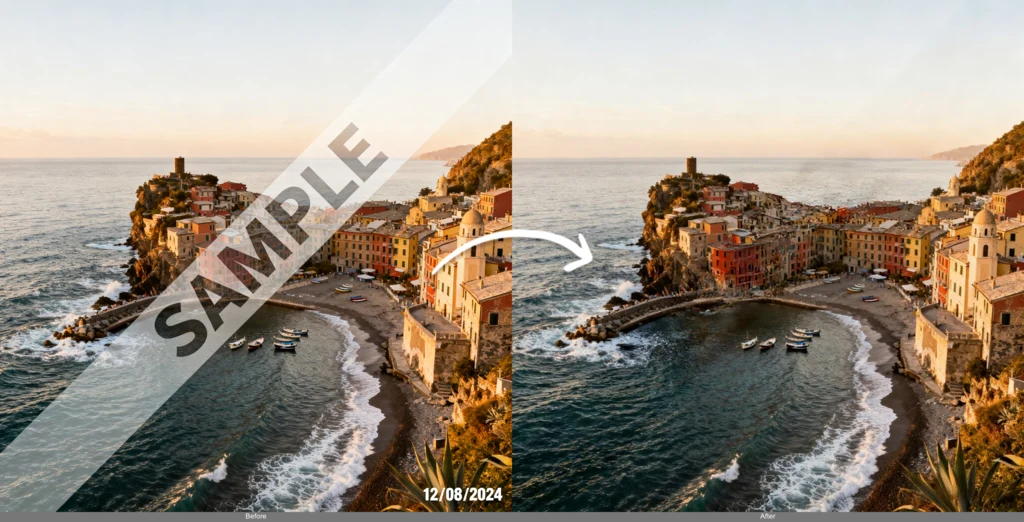
智慧文字移除

從圖片中移除文字、浮水印和不需要的元素。我們的 AI 圖片編輯器提供乾淨、專業的結果,同時保留自然的背景。

Original
Text Removed
Original
Text Removed
Before
Cartoonified
Before
Cartoonified

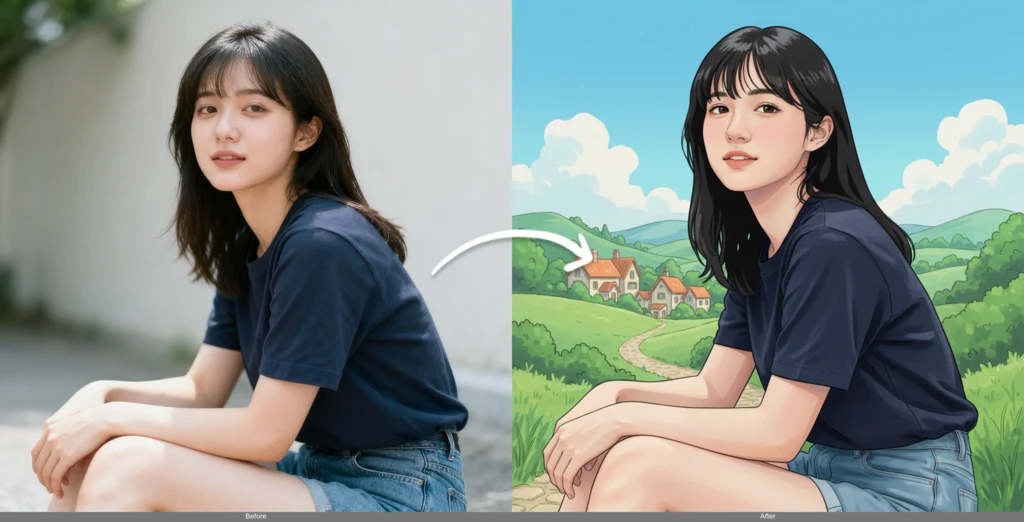
風格轉換

將照片轉換為卡通、應用藝術風格或建立獨特的視覺效果。以專業品質的結果轉換任何圖片。

人像編輯

編輯人像,同時保持角色一致性。修改髮色、髮型和面部特徵,同時保持身份和自然的比例。

Original
Hair Changed
Original
Hair Changed
Before
Restored
Before
Restored

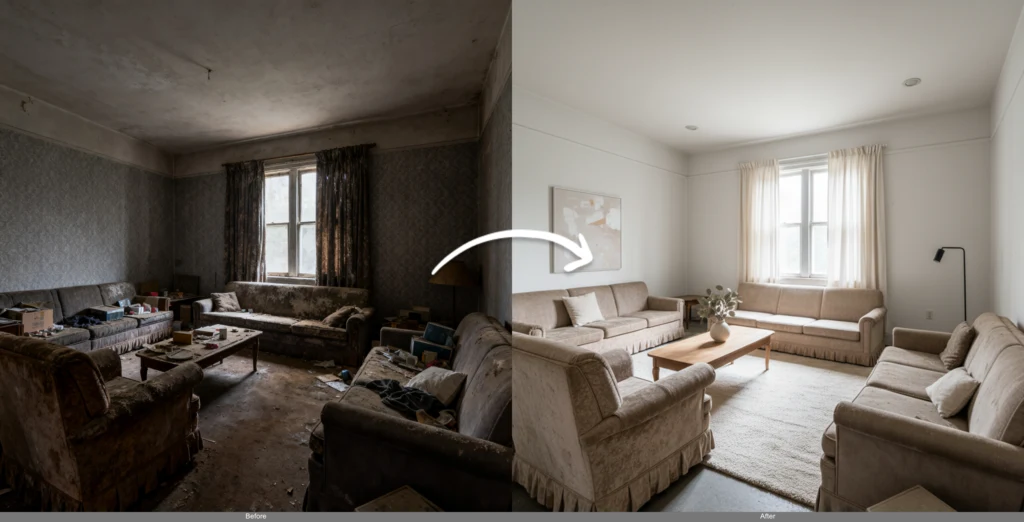
照片修復

使用先進的 AI 技術修復舊的或損壞的照片。移除刮痕、增強色彩,並使老照片恢復生機。

如何使用 AI 圖片編輯器

1. 選擇您的模型

為您的任務選擇最佳的 AI 模型。Flux Kontext 用於上下文感知編輯,SeedEdit 用於精確度,或 Gemini Flash 用於速度。

2. 上傳您的圖片

上傳任何照片、藝術品或數位內容。我們的 AI 圖片編輯器適用於所有常見格式和大小。

3. 描述您的願景

為您想要的變更編寫清晰的指示。AI 理解自然語言並執行複雜的編輯任務。

AI 圖片編輯器常見問題

我應該選擇哪個模型?

每個模型都有獨特的優勢: • Flux Kontext (10-32 個積分):最適合上下文感知編輯和角色一致性 • SeedEdit V3 (12 個積分):非常適合精確編輯和詳細修改 • Gemini Flash (16 個積分):使用 Google 的先進 AI 進行快速處理 • MiniMax Image-01 (4 個積分):經濟實惠的基本編輯選項 根據您的特定需求和預算進行選擇。

我可以執行哪些類型的編輯?

我們的 AI 圖片編輯器支援廣泛的編輯任務: • 文字和浮水印移除 • 背景變更和替換 • 風格轉換和藝術效果 • 人像編輯和頭髮修改 • 物件移除和新增 • 照片修復和增強 • 色彩校正和調整 不同的模型擅長不同的任務。

積分成本如何運作?

不同的模型根據其功能具有不同的積分成本: • MiniMax Image-01:4 個積分(最經濟實惠) • Flux Kontext Dev:10 個積分(超值) • SeedEdit V3:12 個積分(精確編輯) • Flux Kontext Pro:16 個積分(高品質) • Gemini Flash:16 個積分(快速處理) • Flux Kontext Max:32 個積分(優質品質) 成本較高的模型通常提供更好的品質和更先進的功能。

我可以在同一張圖片上使用不同的模型嗎?

當然!您可以在同一張圖片上使用不同的模型進行實驗,以比較結果。每個模型可能會產生對您提示的不同解釋,讓您可以為您的需求選擇最佳結果。 這種靈活性可幫助您為每個特定的編輯任務找到完美的模型。

支援哪些圖片格式?

我們的 AI 圖片編輯器支援常見的圖片格式: • JPEG/JPG 檔案 • PNG 檔案(包括透明度) • 各種長寬比和大小 • 高解析度圖片 • 彩色和灰階圖片 圖片會自動針對每個模型進行優化,同時保持品質。

處理需要多長時間?

處理時間因模型而異: • Flux Kontext Dev:~5 秒 • Gemini Flash:~5 秒(最快) • Flux Kontext Pro:~8 秒 • Flux Kontext Max:~10 秒 • SeedEdit V3:~20 秒(最精確) • MiniMax Image-01:~20 秒 更快的模型非常適合快速迭代,而較慢的模型通常提供更高品質的結果。

探索更多 AI 應用程式