無料AI画像編集ツール — 説明するだけで写真を自由に編集
変更したい内容を入力するだけで、あとはFlux AIの画像編集ツールにお任せください。オブジェクトの削除、背景の入れ替え、ポートレートの再スタイル化、古い写真の復元まで、Flux Kontextを搭載した6つのプロモデルで実現します。
AI画像編集ツールのモデル
高度なAI画像編集モデルのコレクションからお選びください。各モデルは編集タスクごとに独自の強みを発揮します。

Nano Banana 2.1
Google's latest Nano Banana editing — up to 14 reference images, stronger subject consistency, 1K to 4K
Features

Flux 3 Edit
Black Forest Labs frontier editing model — up to 10 reference images, native 4K output
Features

Ideogram V4.5 Edit
Edit images with text instructions — precise changes to text, layout and objects while keeping the rest of the image
Features
当社のAI画像編集ツールのモデルが選ばれる理由
複数のAI技術
Flux、SeedEdit、Gemini、MiniMaxの最先端AIを1つのプラットフォームで利用可能。
柔軟な料金体系
1回の生成あたり4〜32クレジットまで、予算と品質のニーズに合ったモデルを選べます。
特化した機能
各モデルは編集タスクやユースケースごとに独自の機能を発揮します。
AI画像編集ツールの主な機能
プロ品質の仕上がりで写真を変える、強力なAI画像編集機能をご紹介します。
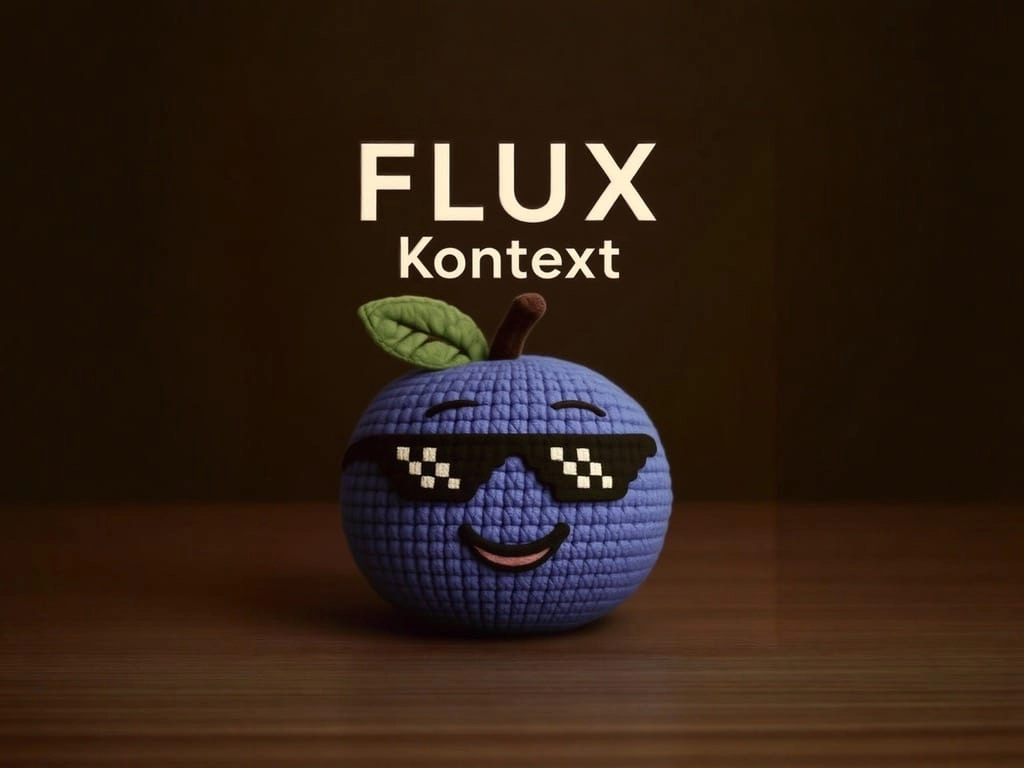
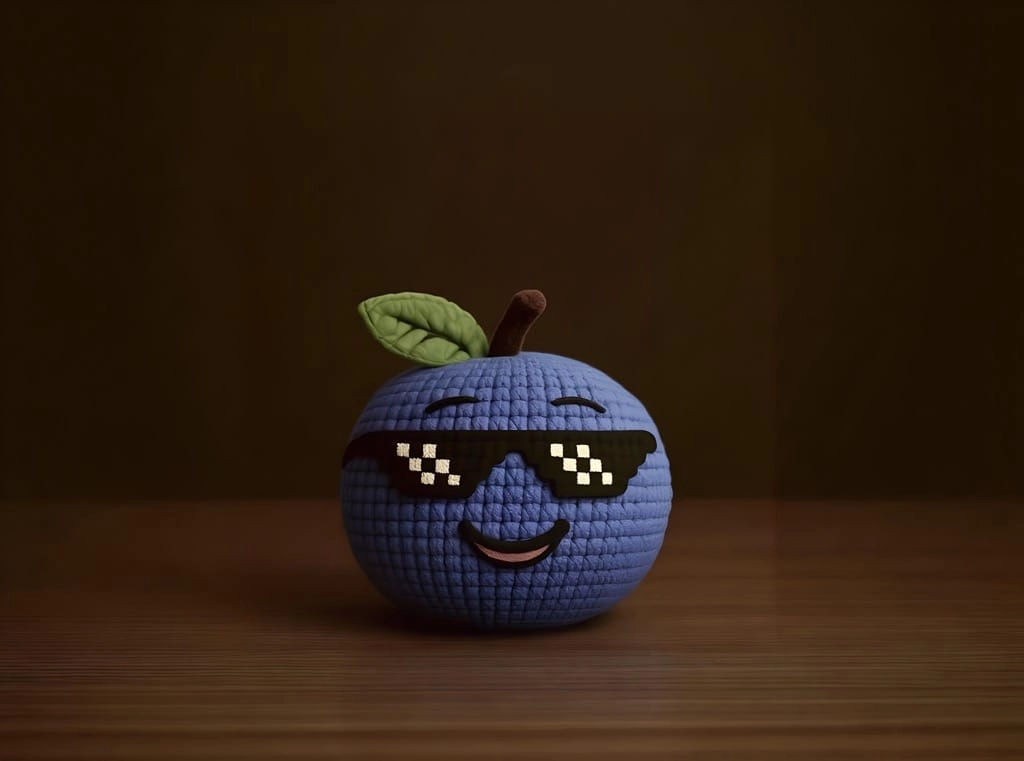
スマートなテキスト除去
画像からテキスト、透かし、不要な要素を削除します。当社のAI画像編集ツールは自然な背景を保ちながら、クリーンでプロフェッショナルな仕上がりを実現します。
スタイル転送
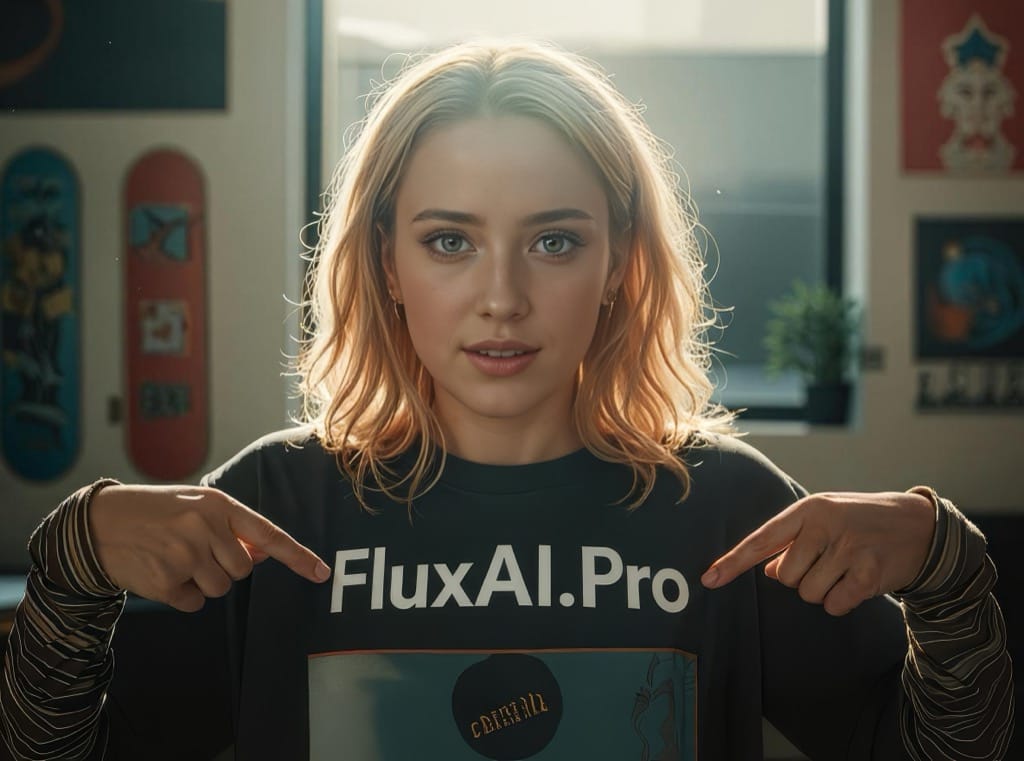
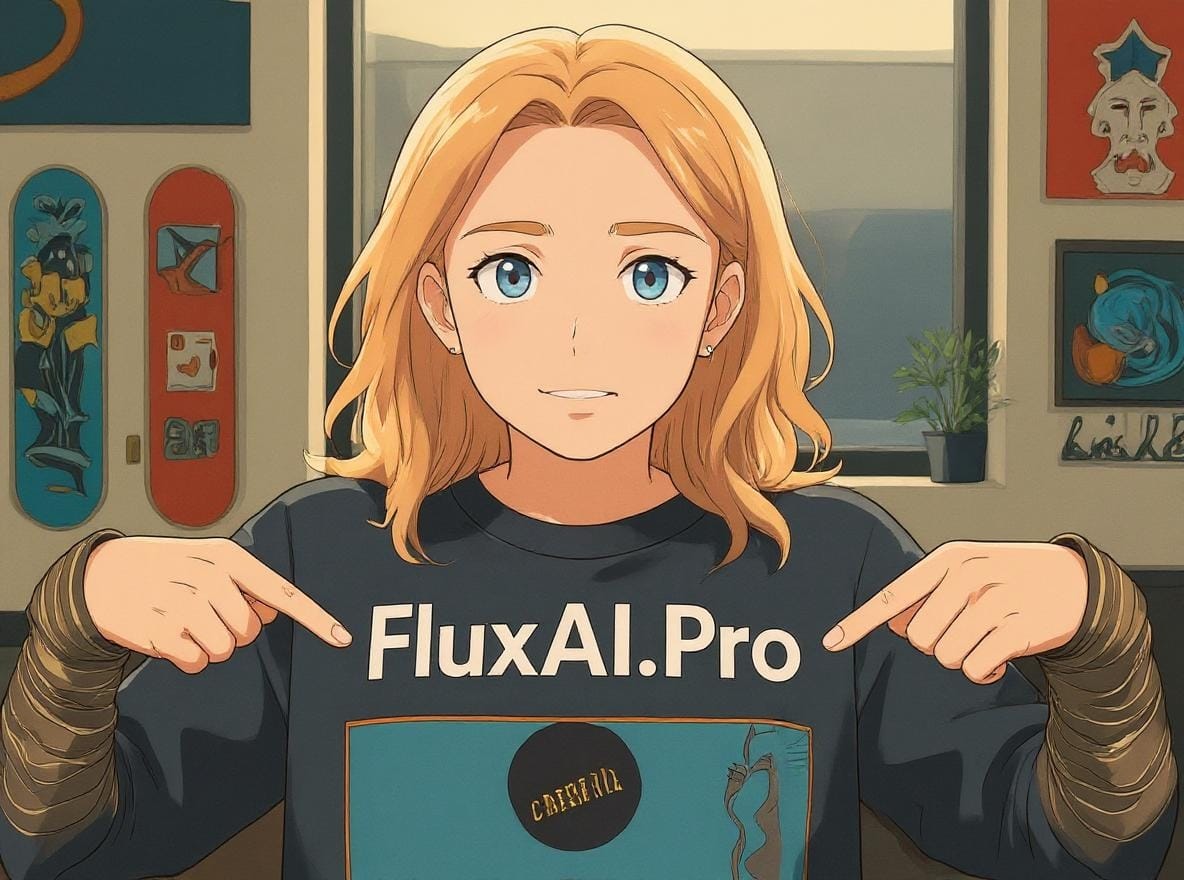
写真をアニメ風に変換したり、アーティスティックなスタイルを適用したり、ユニークなビジュアルエフェクトを作成したりできます。あらゆる画像をプロ品質の結果に変換します。
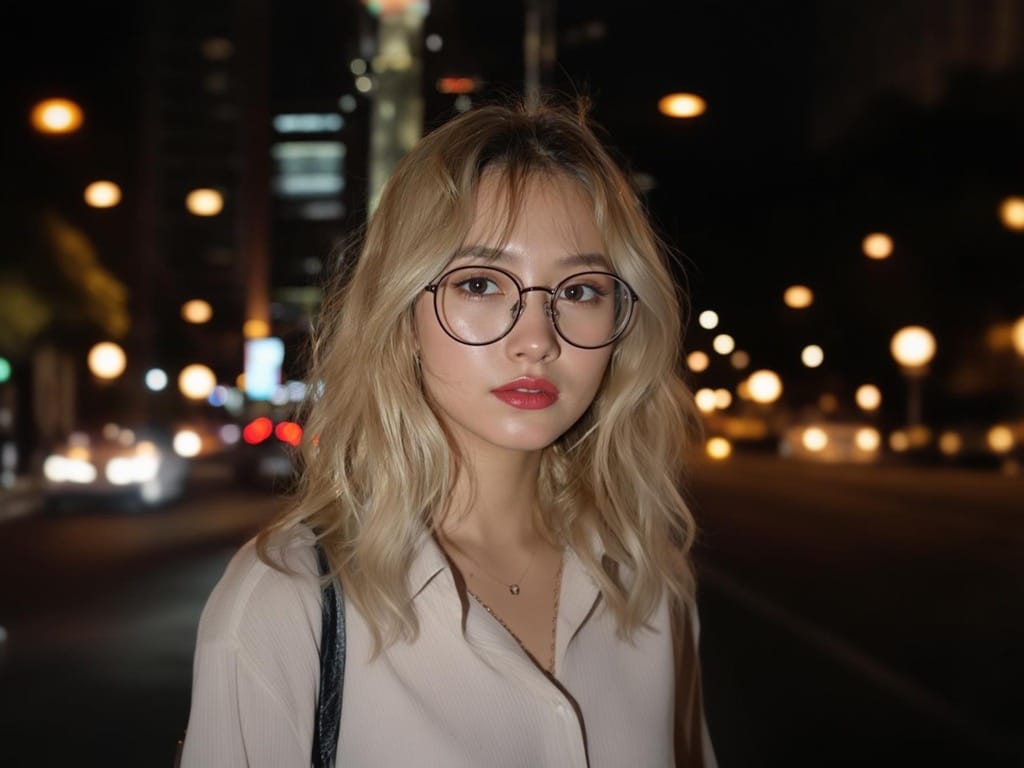
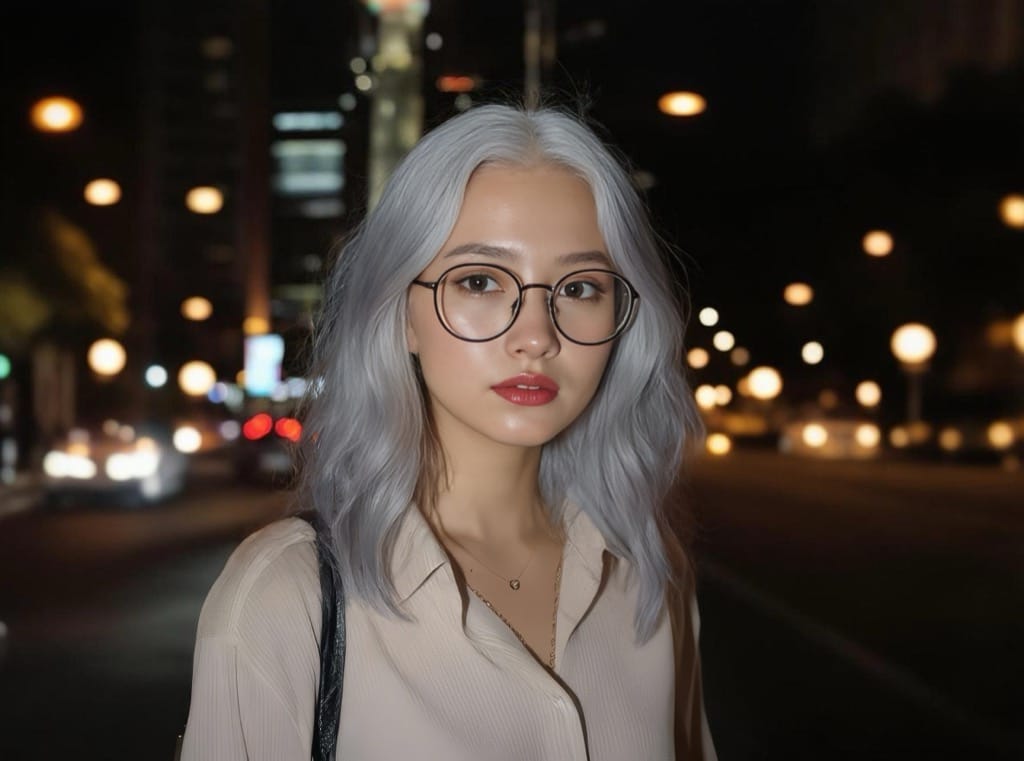
ポートレート編集
キャラクターの一貫性を保ちながらポートレートを編集します。本人らしさと自然なプロポーションを維持したまま、髪の色、スタイル、顔の特徴を変更できます。
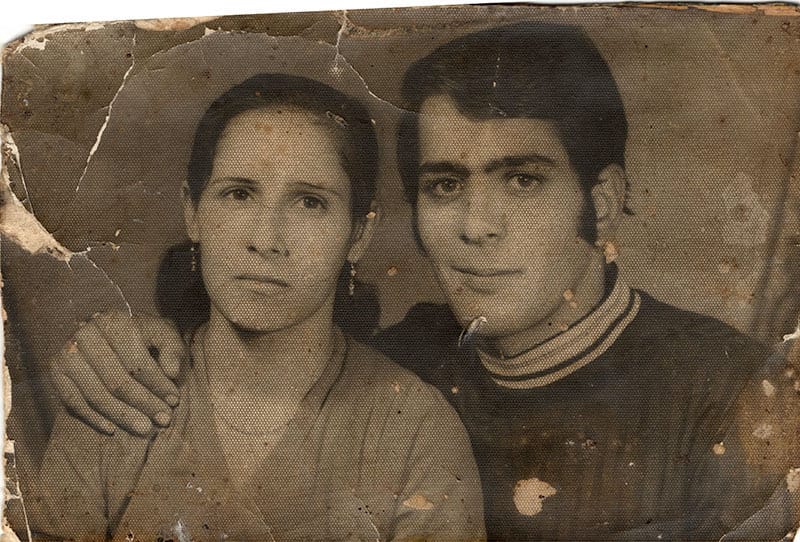
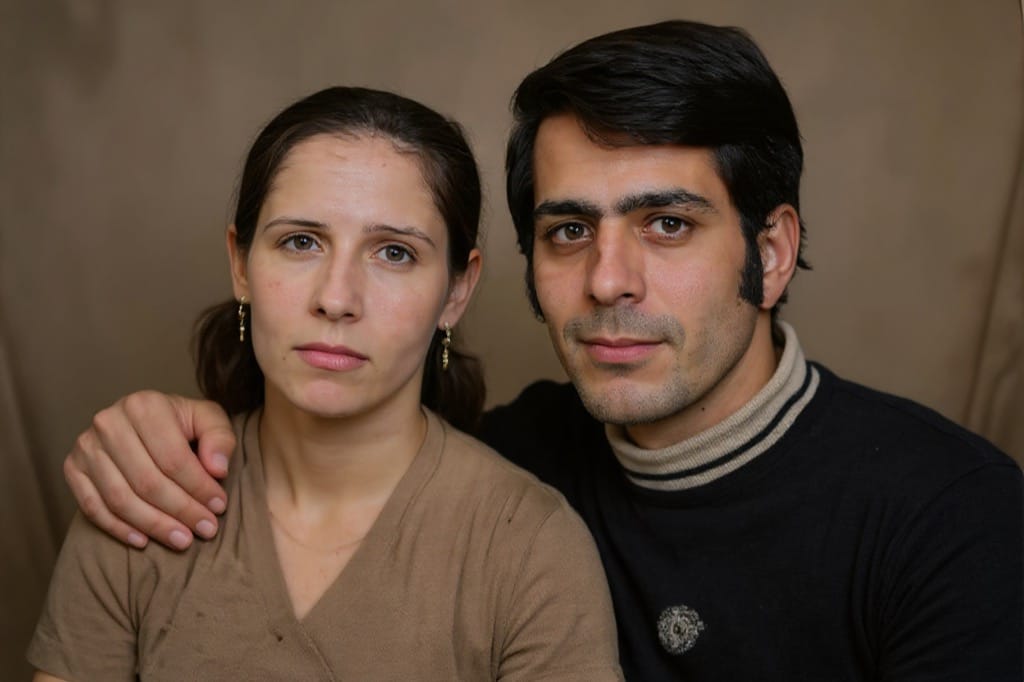
写真修復
高度なAI技術で古い写真や損傷した写真を修復します。傷を除去し、色を整えて、ヴィンテージ写真に新たな命を吹き込みます。
みんながAI画像編集ツールで編集しているもの
数秒で完了する実際の作業例です。近いものを選んでプロンプトをコピーし、上のエディターにそのまま読み込んでください。
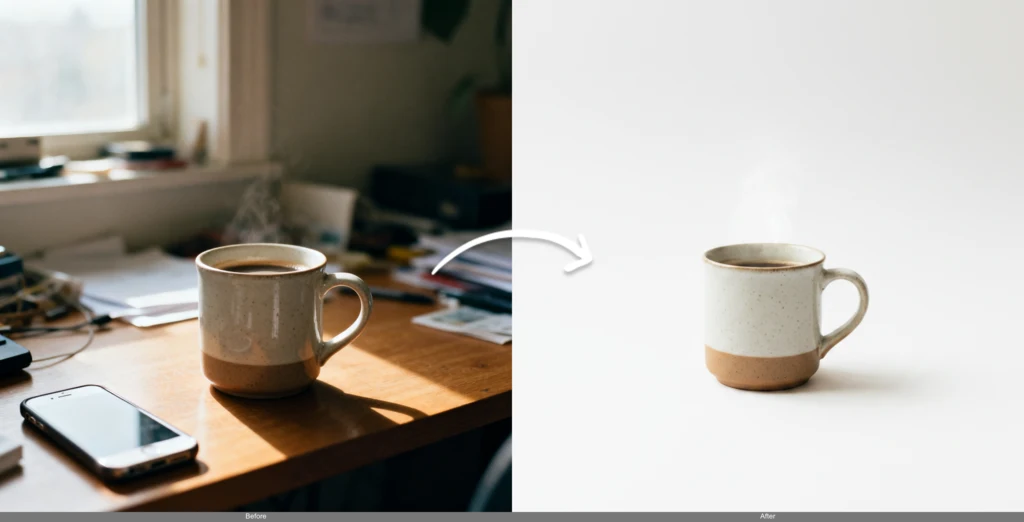
ストア向けに商品写真をきれいに
雑然としたスマホ写真を、そのままマーケットプレイスに使える商品写真に変えます。背景を消し、照明を整え、エッジをくっきりと保つ——写真スタジオは不要です。
販売者に選ばれる理由:
“Replace the background with a clean white studio backdrop, keep the product edges sharp and add soft, even lighting”
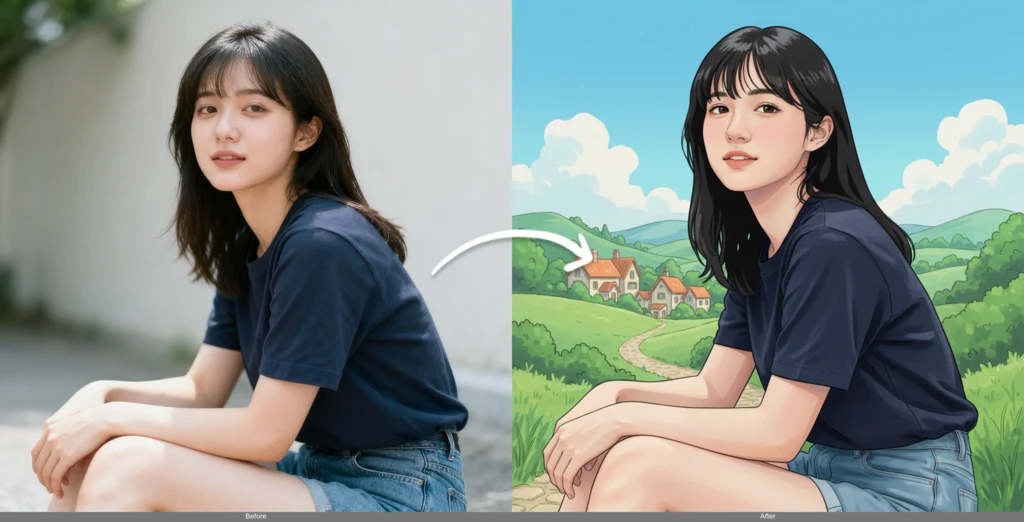
自撮り・ポートレートを新しいスタイルに
フィード用に写真の雰囲気を一新——アニメ風、油絵風、3Dレンダー、シネマティックなトーンまで、顔立ちはそのままあなただとわかる状態を保ちます。
クリエイターに選ばれる理由:
“Turn this selfie into a Studio Ghibli style illustration, keep the facial features and expression recognizable”
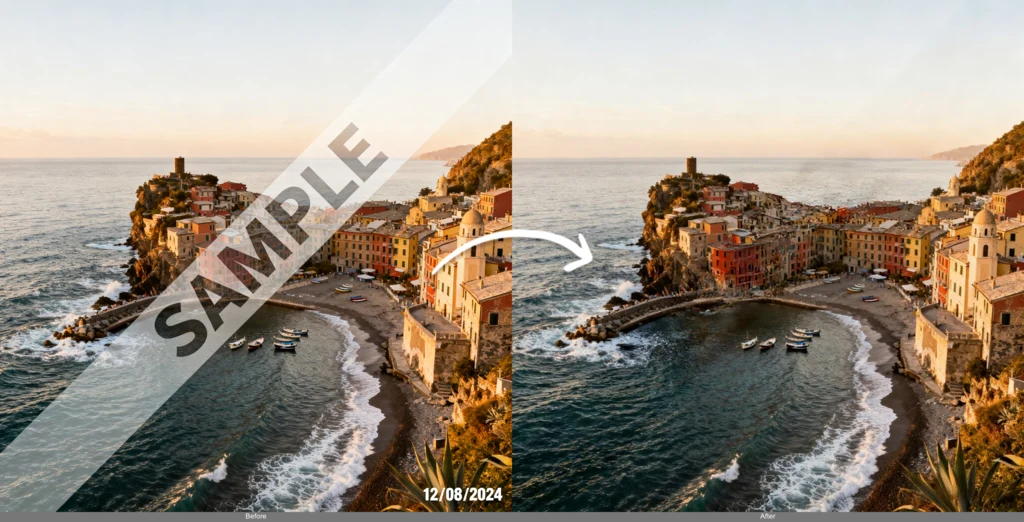
テキスト・ロゴ・透かしを除去
焼き込まれたテキストや日付、透かしを消し去り、ストック画像や過去のクリエイティブを再利用できます。AI画像編集ツールが背景を自然に再構築するので、消した跡が残りません。
マーケターに選ばれる理由:
“Remove all text, watermarks and the date stamp, fill the area naturally to match the surrounding background”
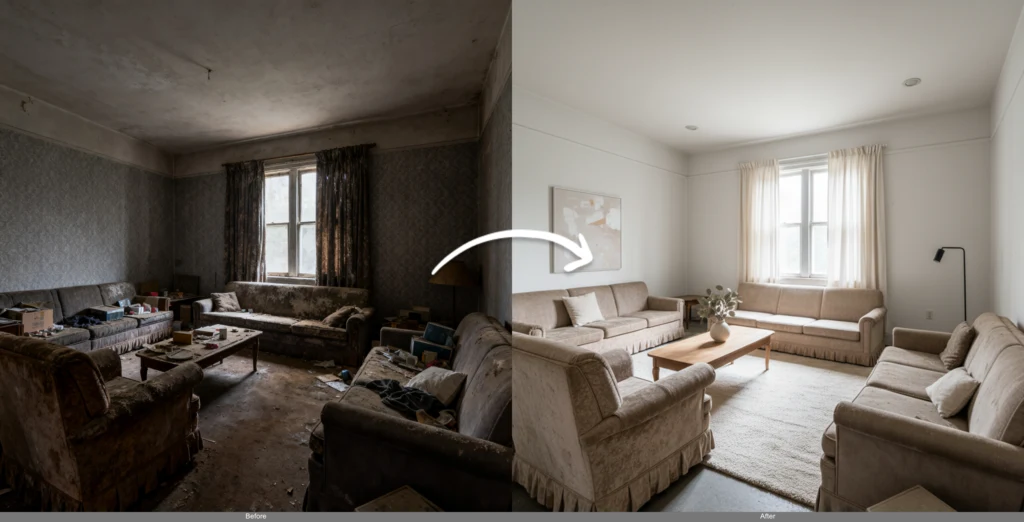
部屋をバーチャルにステージング・片付け
部屋を空にしたり、家具を入れ替えたり、新しいスタイルで内装を再構成したりして、成約につなげます。すべて1枚の写真と一文の指示だけで完結します。
不動産業者に選ばれる理由:
“Remove the existing furniture and stage the room as a modern minimalist living room with warm natural light”
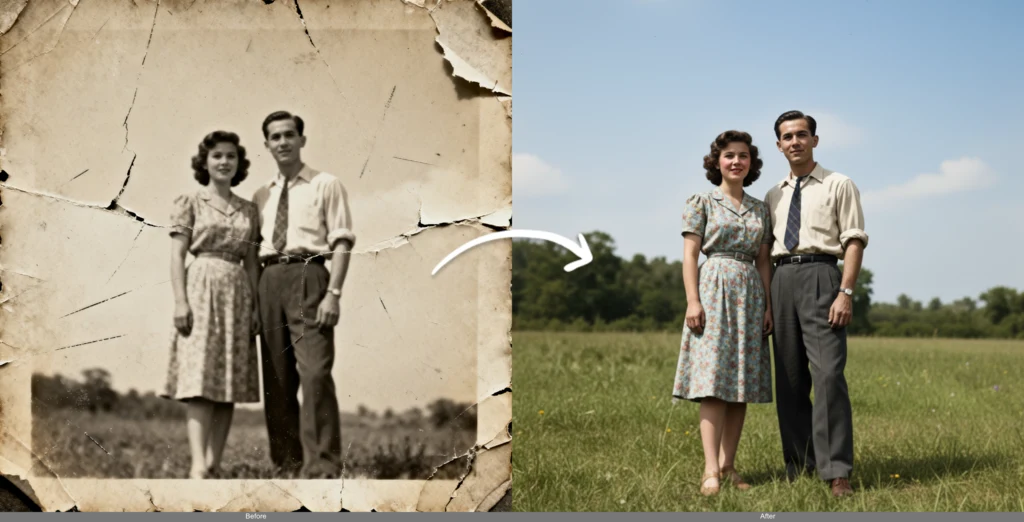
古い写真を修復・カラー化
色あせた家族の思い出を蘇らせます。AI画像編集ツールが傷や破れを修復し、顔をシャープにし、白黒写真に自然な色を加えます。
ご家族に選ばれる理由:
“Restore this old damaged photo, remove scratches and creases, sharpen the faces and colorize it naturally”
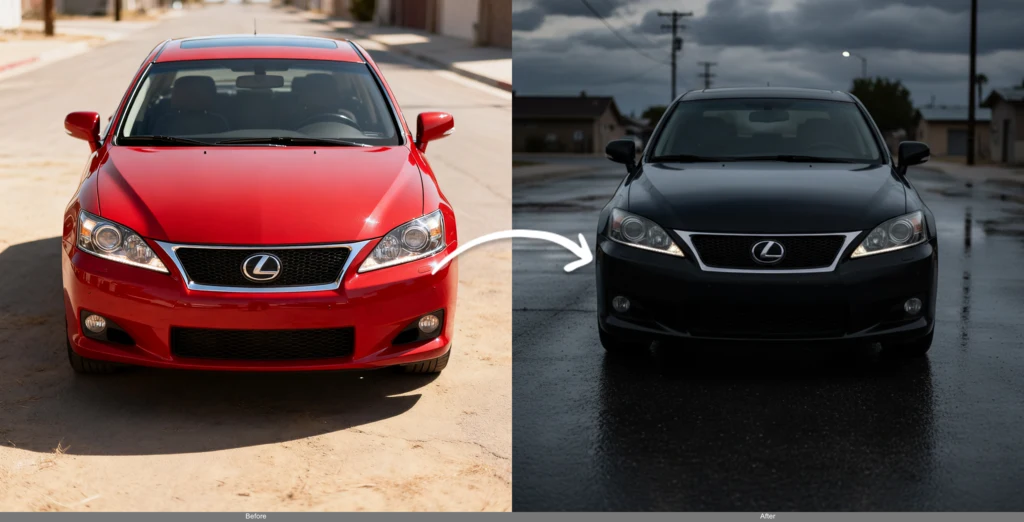
コンセプトとカラーを素早く反復検証
本格的に決める前に方向性を探れます。モックアップの色、素材、天候、雰囲気を切り替えて、関係者が選択肢を並べて比較できるようにします。
デザイナーに選ばれる理由:
“Change the car color to matte black, add wet-road reflections and an overcast evening mood”
AI画像編集ツール vs. 従来の写真編集
何時間もかかる手動マスキングやレイヤー操作、ツール探しに、なぜ「入力するだけの編集」が勝るのか。
AI画像編集ツールの使い方
1. モデルを選ぶ
用途に最適なAIモデルを選択してください。文脈を理解した編集にはFlux Kontext、精密な編集にはSeedEdit、スピード重視ならGemini Flashがおすすめです。
2. 画像をアップロード
写真、イラスト、デジタルコンテンツなど、あらゆる画像をアップロードできます。当社のAI画像編集ツールは一般的な形式・サイズすべてに対応しています。
3. 希望する仕上がりを説明
希望する変更内容を明確な言葉で記述してください。AIは自然言語を理解し、複雑な編集タスクも実行します。
AI画像編集ツールに関するよくある質問
AI画像編集ツールは編集の前後で人物の顔の一貫性を保てますか?
はい。Flux Kontextを搭載したAI画像編集ツールは、周囲のあらゆる要素を変更しながらも本人らしさを保つよう設計されています。ポートレートのスタイルを変えたり、服装や髪の色、背景を変更したりしても、顔は同一人物とわかる状態を維持します——これはプロンプトベースの編集で最も崩れやすいポイントです。最大限の一貫性を得るには、Flux Kontextモデルを使用し、プロンプトを変更したい内容に絞り込んでください。
プロンプトベースのAI編集はPhotoshopと何が違いますか?
レイヤーやマスク、選択ツールを学ぶ必要はなく、望む結果を普通の言葉で説明するだけでAI画像編集ツールがそれを実行します。Photoshopはピクセル単位の手動コントロールを提供しますが、AI画像編集ツールはスピードを提供します——ほとんどの編集はチュートリアルなしで5〜20秒で完了します。多くのユーザーは両方を使い分けています。背景の入れ替えやオブジェクト除去、スタイル変更といった重い作業はAIに任せ、最終的な微調整だけ手作業で行うという具合です。
画像の一部だけを編集し、残りはそのままにできますか?
はい。変更したい特定の範囲と内容を記述すれば(例:「ジャケットだけを赤に変える」)、モデルは残りの部分をそのまま保ちます。どの領域を変更するかをピクセル単位で正確にコントロールしたい場合は、専用のAI画像インペインティングツールでマスクを描き、その内側だけを編集してください。
AI編集によって写真の解像度や画質は下がりますか?
AI画像編集ツールは画質を維持したまま高解像度画像に対応し、アップロードごとに選択したモデルに合わせて最適化します。印刷物やバナー、4Kディスプレイ向けにさらに大きくしたい場合は、仕上がった結果をAI画像アップスケーラーにかければ、ディテールを失わずに解像度を上げられます。
AI画像編集ツールで実際に何ができますか?
オールインワンのAI画像編集ツール/AI画像チェンジャーとして、1つのプロンプトから幅広い編集に対応します。 • テキスト、透かし、不要なオブジェクトの削除 • 背景の入れ替え・クリーンアップ • 写真のスタイル変更(アニメ、油絵、3D、シネマティック) • ポートレートの編集——髪型、服装、表情 • 部屋のバーチャルステージングと片付け • 古い・損傷した写真の修復とカラー化 • 色、素材、照明、雰囲気の変更
どのモデルを選べばいいですか?
各モデルには得意分野があります。 • Flux Kontext — 文脈理解を伴う編集とキャラクターの一貫性に最適 • SeedEdit V3 — 精密で細かな修正が可能 • Gemini Flash — 最速のターンアラウンド • MiniMax Image-01 — 基本的な編集に最もコストパフォーマンスが良い 同じ画像で複数のモデルを試し、気に入った結果を選ぶこともできます。
AI画像編集ツールは無料で使えますか?
はい——無料クレジットで、登録不要のまま編集を開始できます。シンプルなモデルは1回の編集あたりのクレジット消費が少なく、プレミアムモデルは高品質な分だけ多く消費します。これにより低コストで試行錯誤し、本当にトップクラスの仕上がりが必要な時だけ多く使うことができます。
アップロードした画像のプライバシーは守られますか?
アップロードされた画像は、お客様の編集結果を生成するためだけに使用されます。画像を第三者に販売することはなく、作成した画像の権利はお客様が保持します。編集する権利をお持ちのコンテンツのみをアップロードしてください。なお、NSFW content is not permitted(性的・過激な表現を含むコンテンツの利用は許可されていません)。
その他のAI画像ツールを見る
Flux AIの画像ツール群で、仕上げまで一気に完成させましょう。