GPT Image 1.5 Generator
Create stunning visuals with GPT Image 1.5 Generator. GPT Image 1.5 is OpenAI's latest image generation model, delivering high-quality GPT Images with remarkable precision, strong prompt adherence, and fine-grained detail.
GPT Image 1.5 Text-to-Image Models
Choose from OpenAI's GPT Image models including GPT Image 1.5, GPT Image 1, and GPT Image 1 Mini. GPT Image 1.5 offers the latest high-fidelity output with strong prompt adherence.

GPT Image 2
OpenAI's next-generation image model with sharper detail and stronger prompt adherence, delivered via WaveSpeed
Features
GPT Image 1.5
High-fidelity image generation with strong prompt adherence, preserving composition, lighting, and fine-grained detail
Features
GPT Image 1
OpenAI's latest image generation model powered by GPT-5 with superior quality and background control
Features
GPT Image 1 Mini
Efficient image generation powered by GPT-5 with quality and background control
Features
Why Choose GPT Image 1.5?
GPT Image 1.5 Quality
GPT Image 1.5 understands complex prompts with nuance and context for the most accurate results.
GPT Image 1.5 Fidelity
GPT Image 1.5 delivers high-fidelity generation with strong prompt adherence, preserving composition and fine-grained detail.
GPT Image Pricing
GPT Image 1.5 costs 14 credits. GPT Image 1 costs 16 credits. GPT Image 1 Mini costs 8 credits.
GPT Image 1.5 Generator Examples
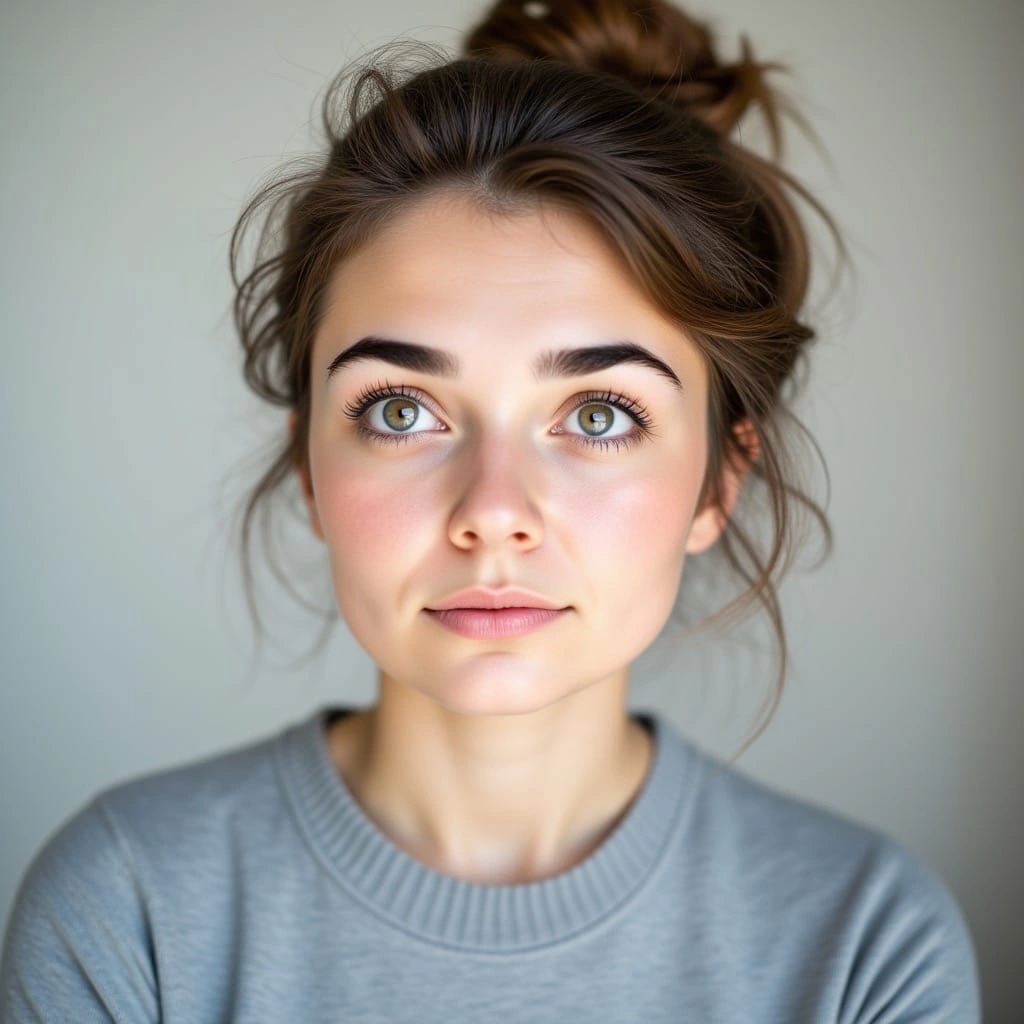
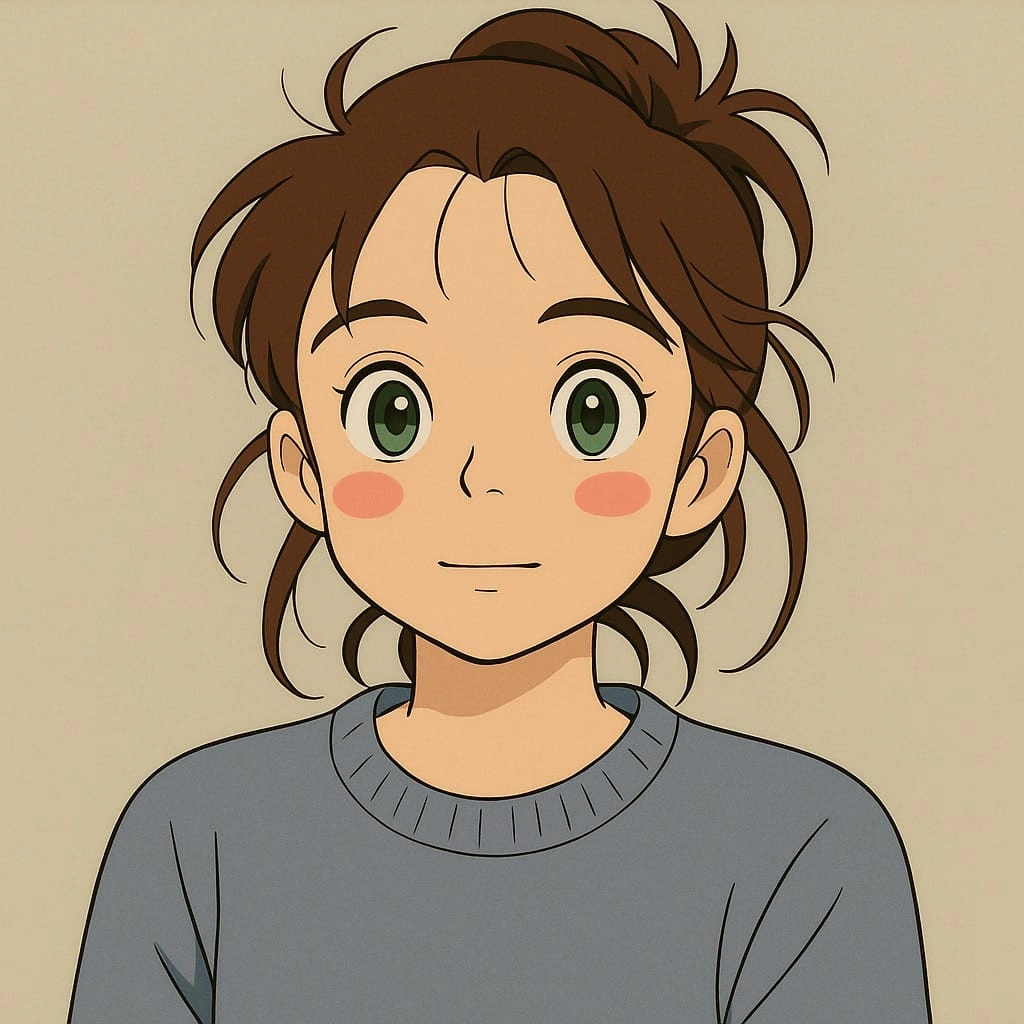
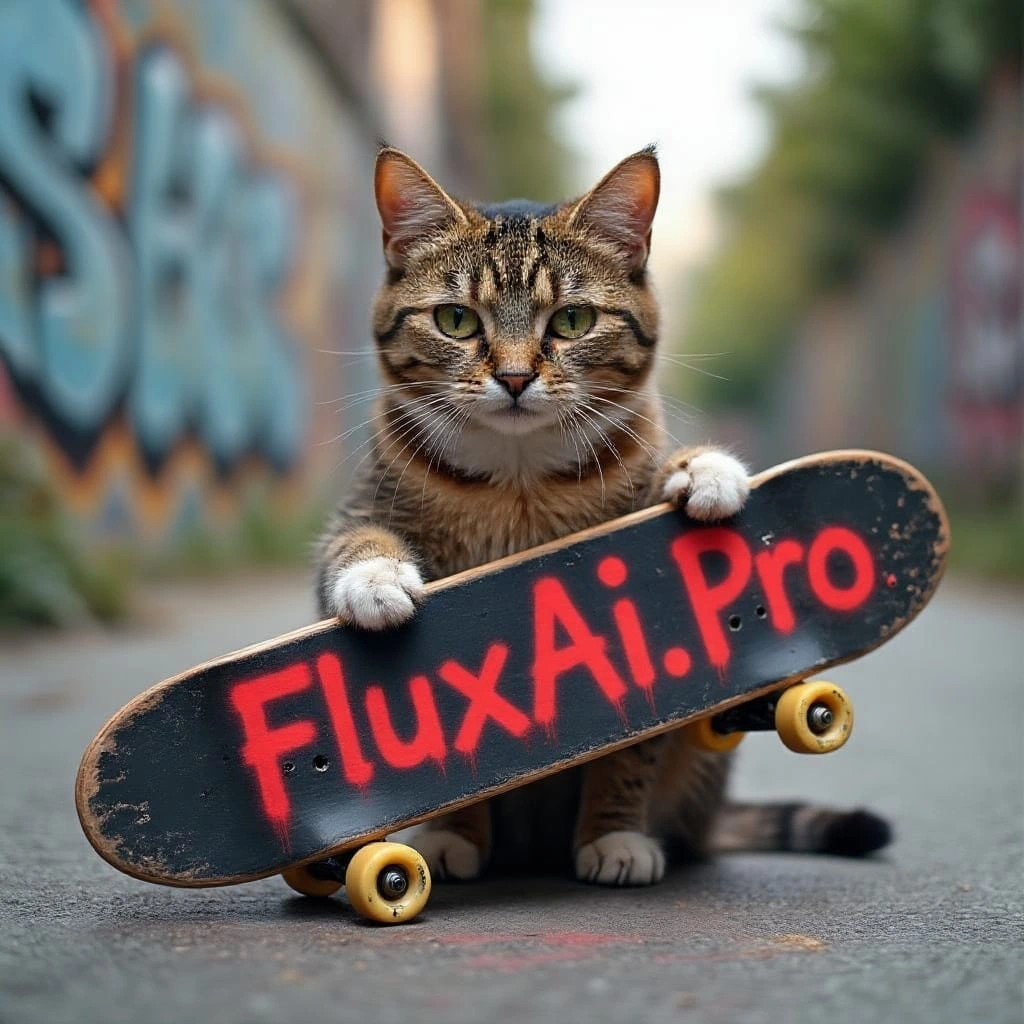
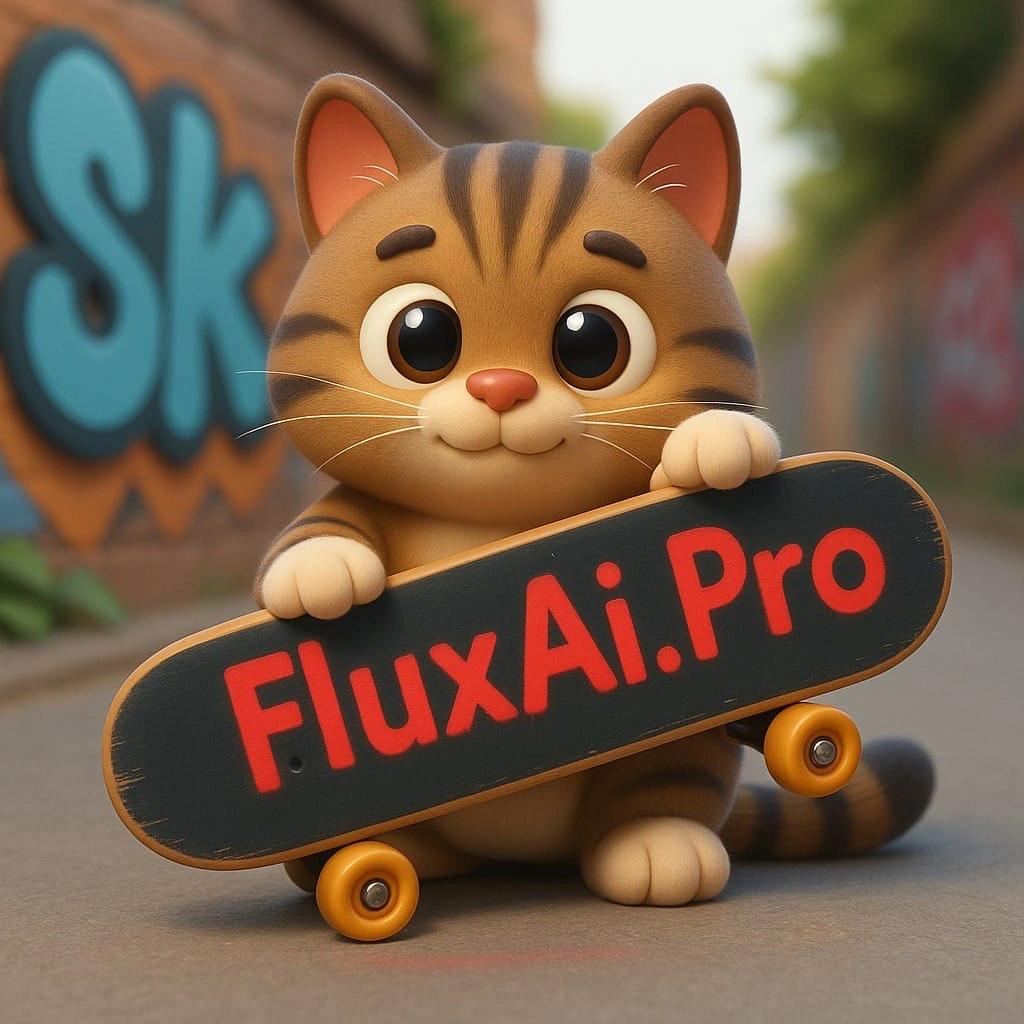
Explore examples of stunning visuals created with GPT Image 1.5. See how GPT Image 1.5 transforms prompts into high-fidelity images.
GPT Image 1.5 FAQ
What is GPT Image 1.5?
GPT Image 1.5 is OpenAI's latest AI image generation model. GPT Image 1.5 excels at understanding complex prompts and generating highly detailed, accurate images with high-fidelity output, preserving composition, lighting, and fine-grained detail.
What's new in GPT Image 1.5?
GPT Image 1.5 features high-fidelity image generation with strong prompt adherence. Compared to GPT Image 1, GPT Image 1.5 preserves composition, lighting, and fine-grained detail better, making GPT Image 1.5 ideal for professional creative work.
How can I get the best results with GPT Image 1.5?
To get the best results with GPT Image 1.5, provide detailed descriptions including subject matter, style, lighting, mood, colors, and composition. GPT Image 1.5 follows complex prompts accurately. You can also upload reference images to influence the output.
Can I use reference images with GPT Image 1.5?
Yes! GPT Image 1.5 supports multi-image input (up to 10 images). Upload reference images to guide GPT Image 1.5 generation or editing. GPT Image 1.5 Edit provides high input fidelity, preserving key elements from your reference images.
GPT Image 1.5 vs GPT Image 1 - Which should I choose?
GPT Image 1.5 offers the best quality with high-fidelity output (14 credits). GPT Image 1 provides excellent results at 16 credits. GPT Image 1 Mini is the most economical option at 8 credits. We recommend GPT Image 1.5 for professional work.
How long does GPT Image 1.5 generation take?
GPT Image 1.5 generation typically takes around 60 seconds. GPT Image 1 takes about 90 seconds. Please remain on the page during GPT Image 1.5 generation. Your patience will be rewarded with high-quality results.