Free AI Image Editor — Edit Any Photo Just by Describing It
Type what you want changed and let the Flux AI image editor do the rest. Remove objects, swap backgrounds, restyle portraits and restore old photos with 6 pro models — powered by Flux Kontext.
AI Image Editor Models
Choose from our collection of advanced AI image editing models. Each model offers unique strengths for different editing tasks.

Qwen Image 3 Edit
Latest Qwen editing model. Edits from 1-3 reference images while preserving key details like facial features and identity.
Features

Seedream V5 Pro Edit
ByteDance flagship multi-image editing model, supports up to 10 reference images with deep-thinking prompt understanding
Features

Nano Banana Lite
Google's fastest and cheapest Nano Banana editing — sub-2s multi-turn local edits at a fixed 1K resolution
Features
Why Choose Our AI Image Editor Models?
Multiple AI Technologies
Access cutting-edge AI from Flux, SeedEdit, Gemini, and MiniMax in one platform.
Flexible Pricing
From 4 to 32 credits per generation, choose the model that fits your budget and quality needs.
Specialized Features
Each model offers unique capabilities for different editing tasks and use cases.
Key Features of AI Image Editor
Discover powerful AI image editing capabilities that transform your photos with professional-quality results.
Smart Text Removal
Remove text, watermarks, and unwanted elements from images. Our AI image editor delivers clean, professional results while preserving natural backgrounds.
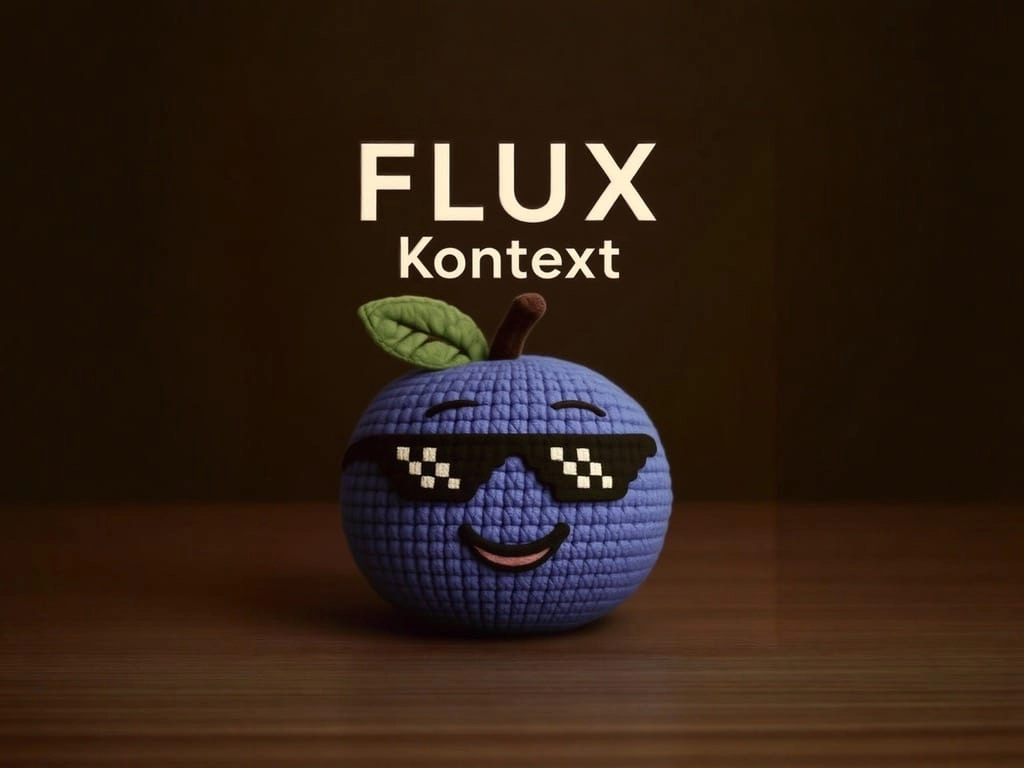
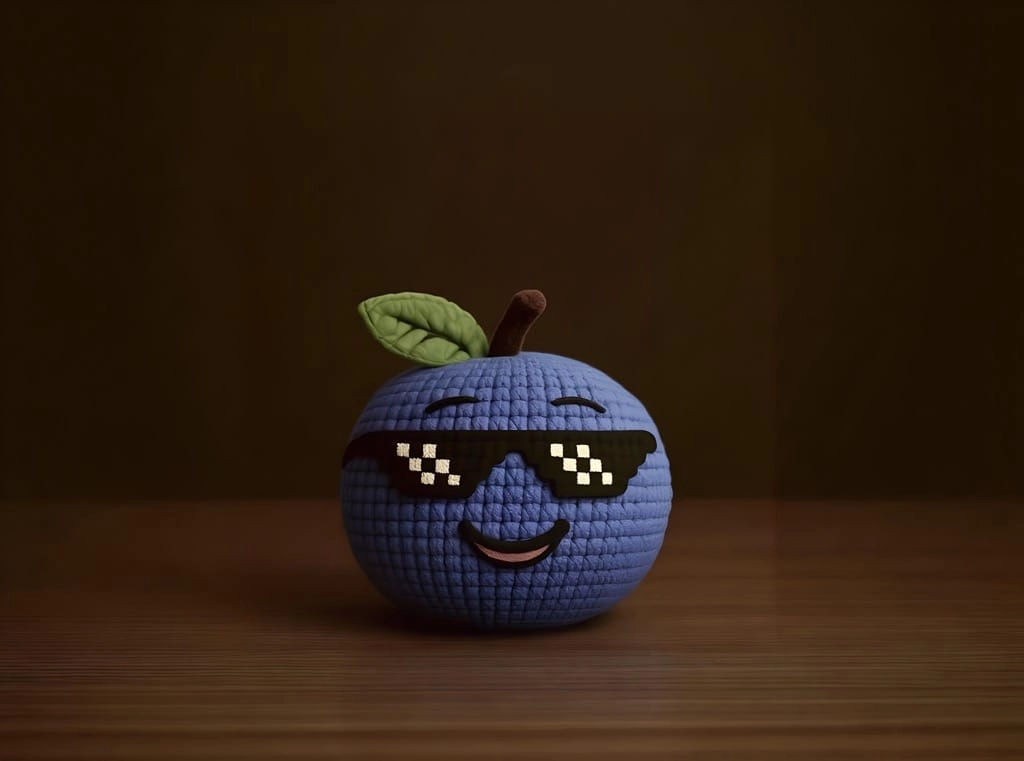
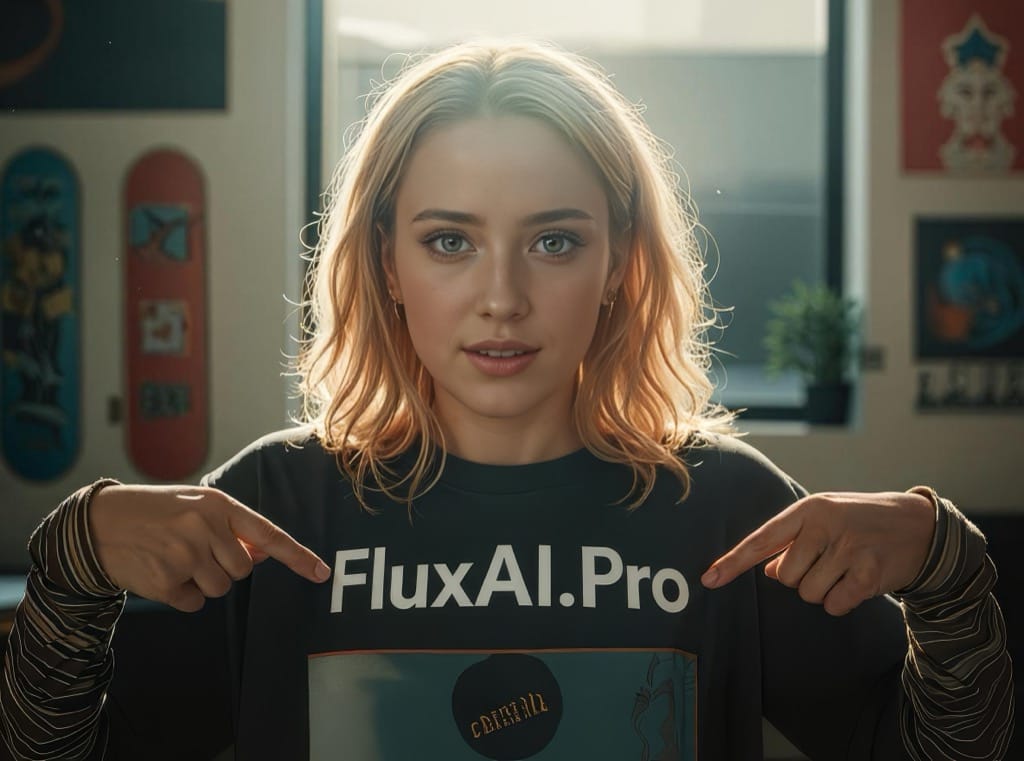
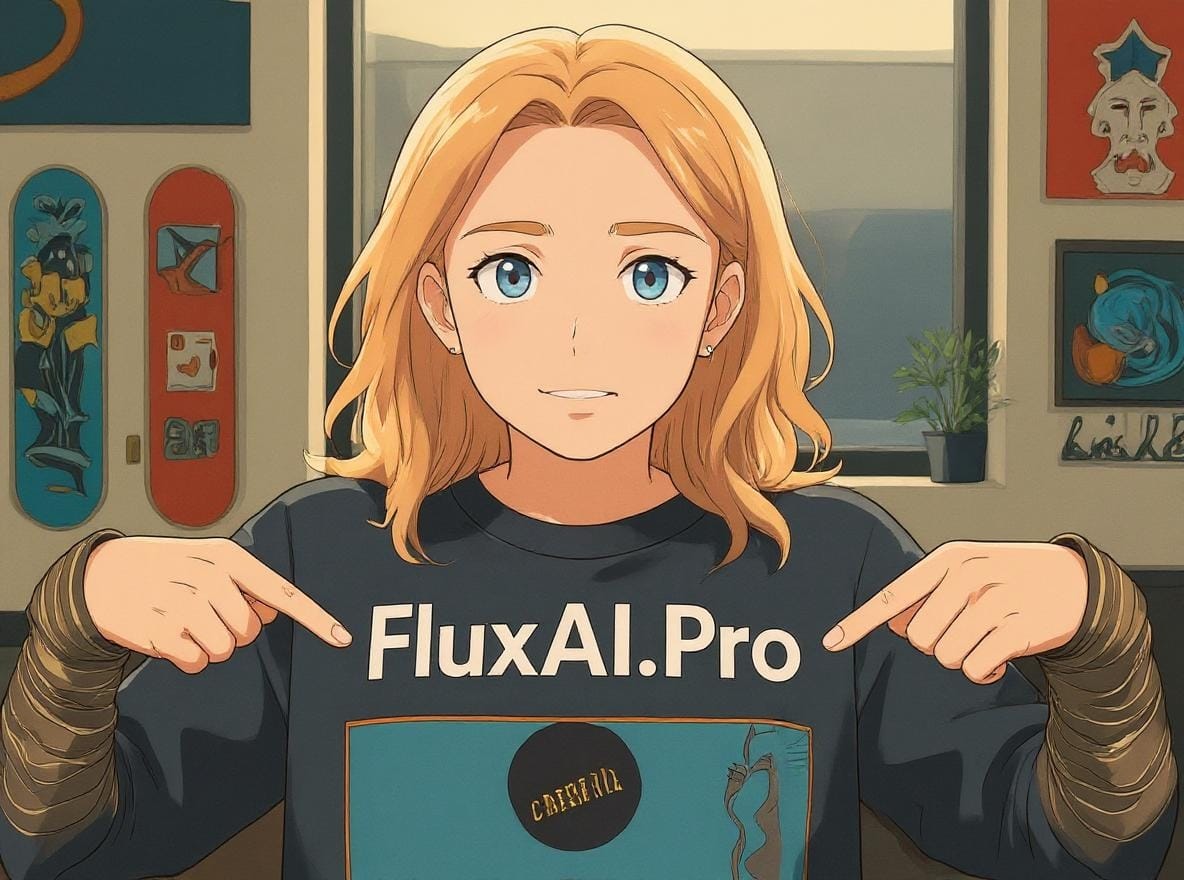
Style Transfer
Transform photos into cartoons, apply artistic styles, or create unique visual effects. Convert any image with professional quality results.
Portrait Editing
Edit portraits while maintaining character consistency. Modify hair color, style, and facial features while preserving identity and natural proportions.
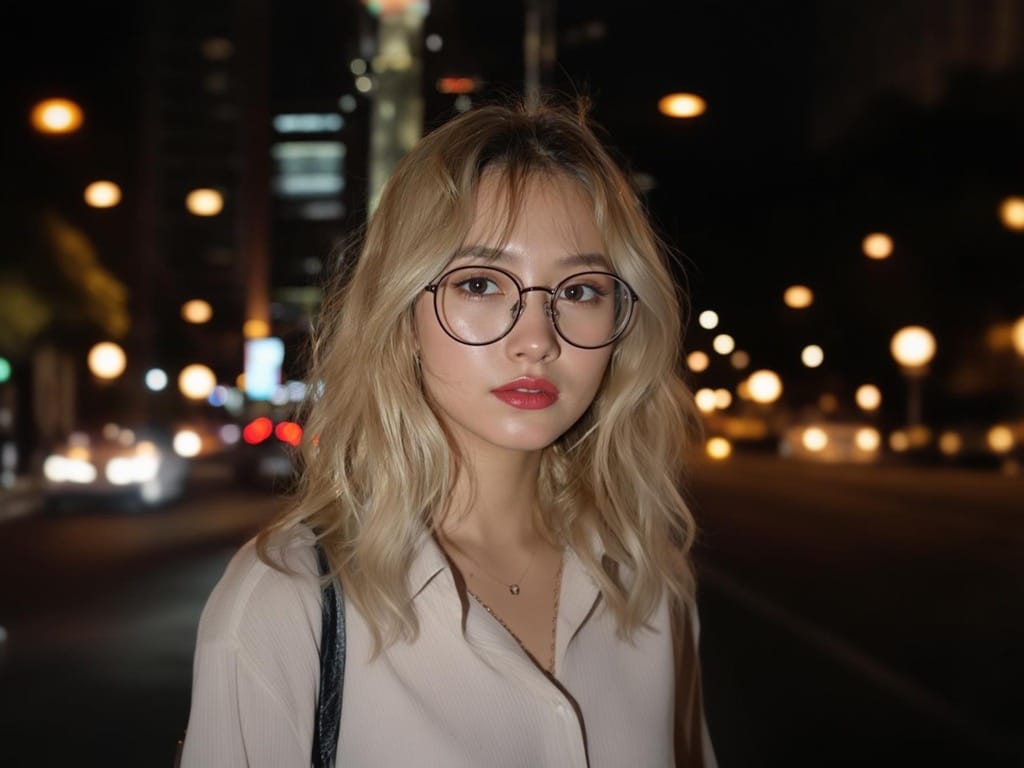
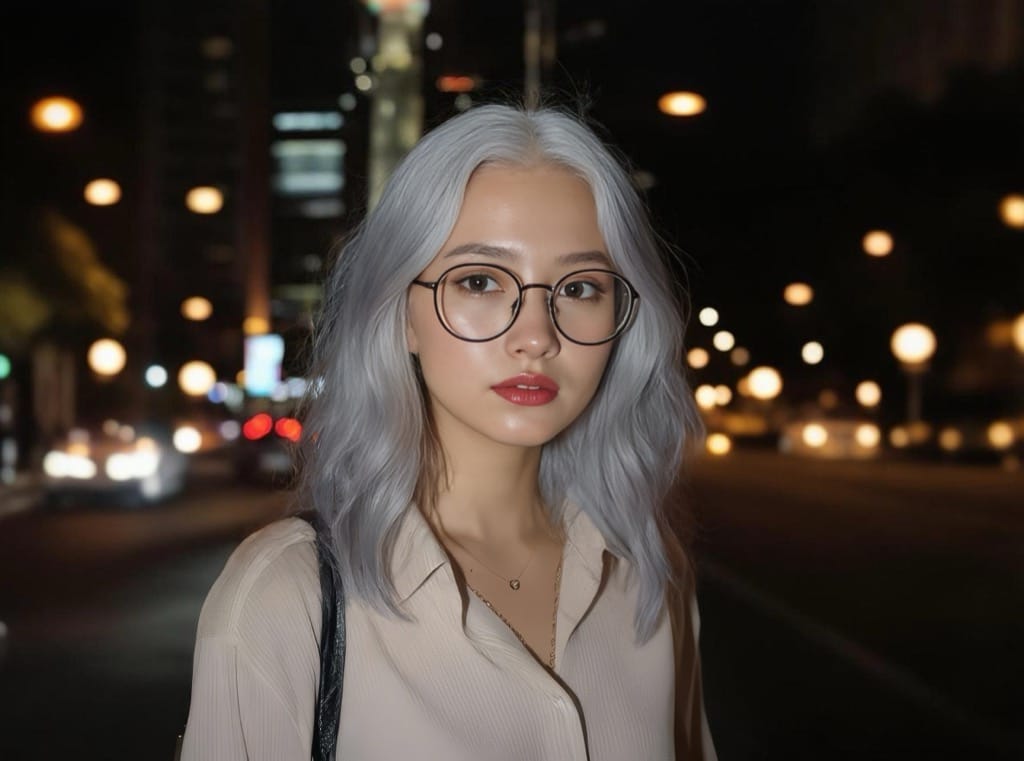
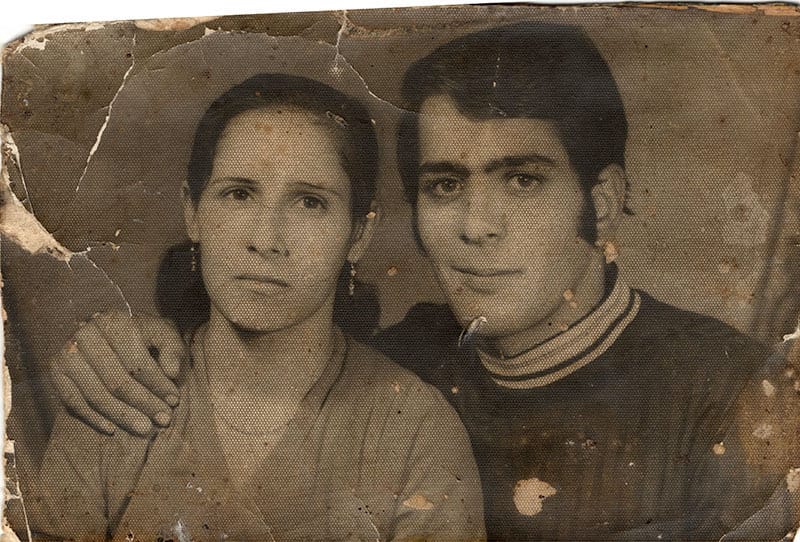
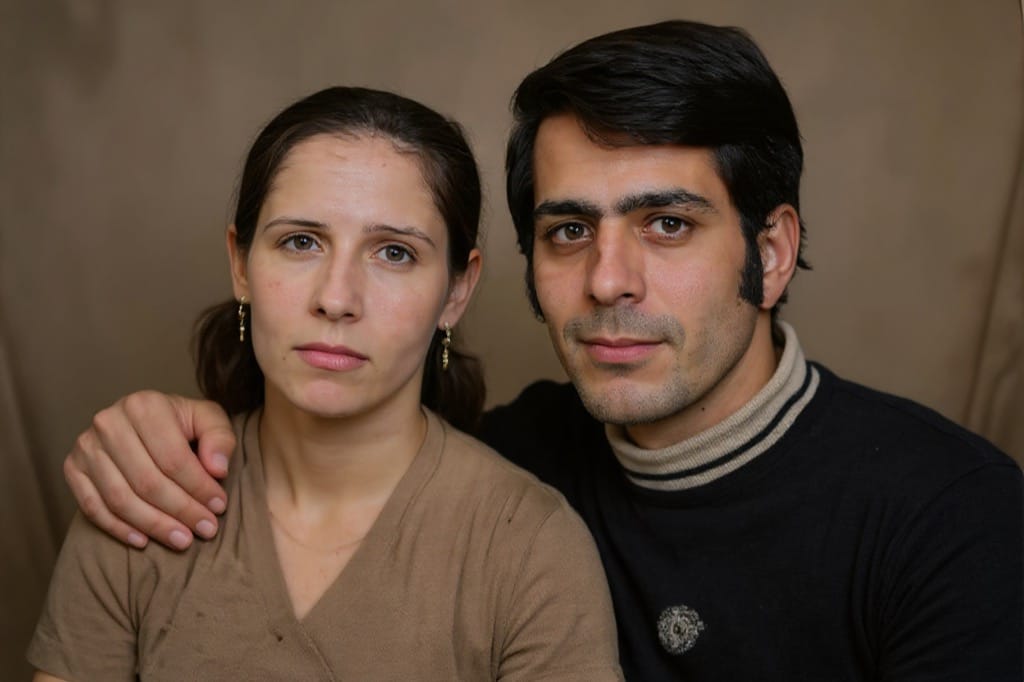
Photo Restoration
Restore old or damaged photos with advanced AI technology. Remove scratches, enhance colors, and bring vintage photos back to life.
What People Edit with Our AI Image Editor
Real jobs people finish in seconds — pick the one closest to yours, copy the prompt, and load it straight into the editor above.
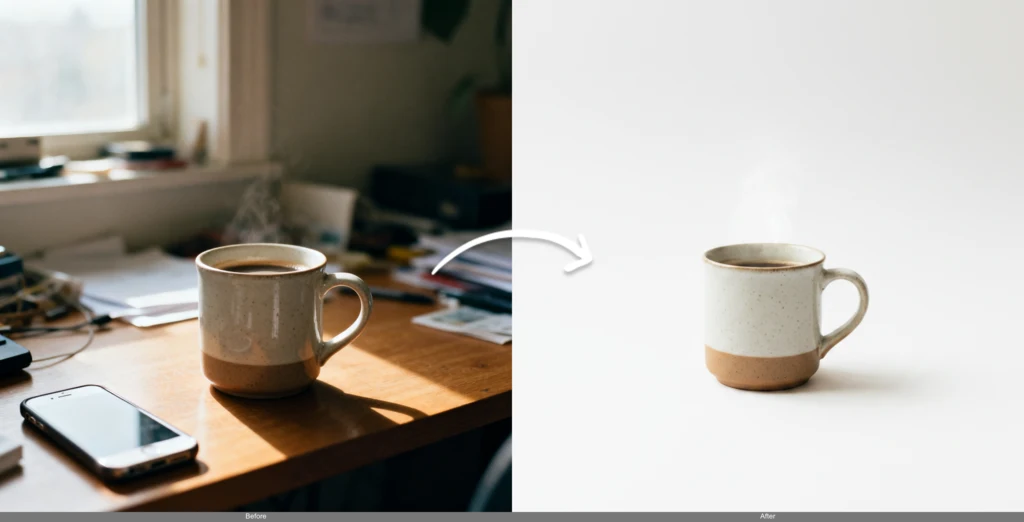
Clean Product Photos for Your Store
Turn messy phone snapshots into marketplace-ready product shots. Drop the background, fix lighting, and keep every edge crisp — no photo studio required.
Why sellers use it:
“Replace the background with a clean white studio backdrop, keep the product edges sharp and add soft, even lighting”
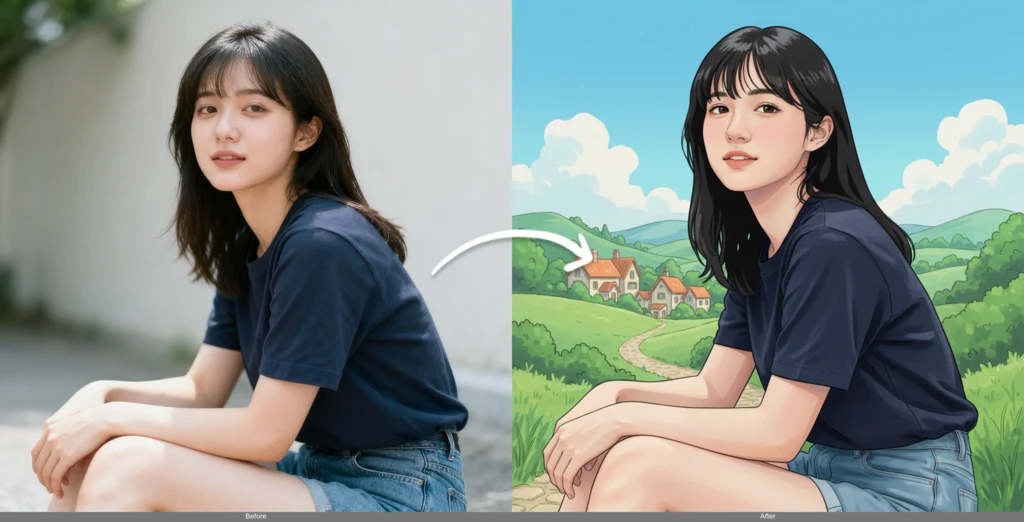
Restyle Selfies & Portraits
Give any photo a new look for your feed — anime, oil painting, 3D render or cinematic film grade — while keeping the face recognizably you.
Why creators use it:
“Turn this selfie into a Studio Ghibli style illustration, keep the facial features and expression recognizable”
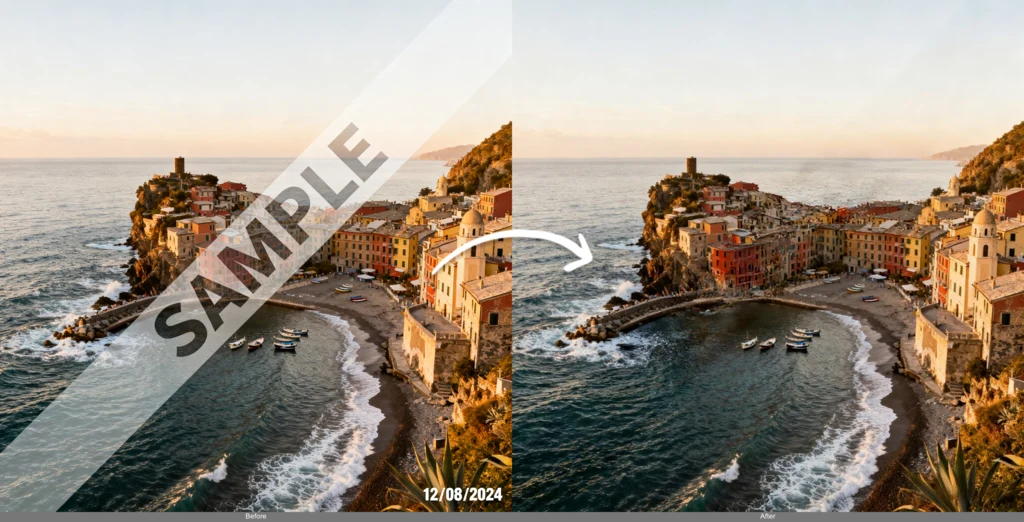
Remove Text, Logos & Watermarks
Reclaim stock images and old creatives by wiping out baked-in text, dates or watermarks — the AI image editor rebuilds the background so nothing looks erased.
Why marketers use it:
“Remove all text, watermarks and the date stamp, fill the area naturally to match the surrounding background”
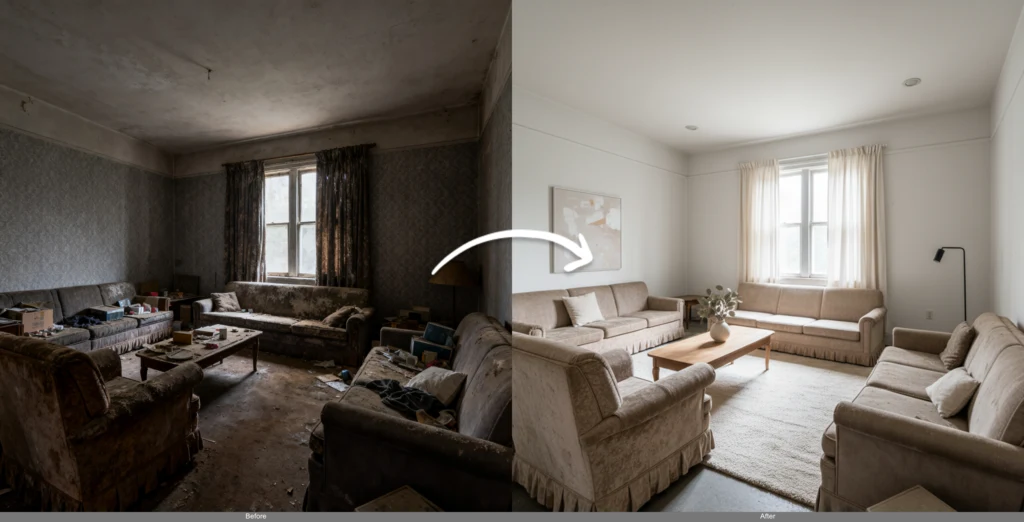
Virtually Stage & Declutter Rooms
Empty a room, swap the furniture, or restage an interior in a new style to help a listing sell — all from a single photo and a sentence.
Why agents use it:
“Remove the existing furniture and stage the room as a modern minimalist living room with warm natural light”
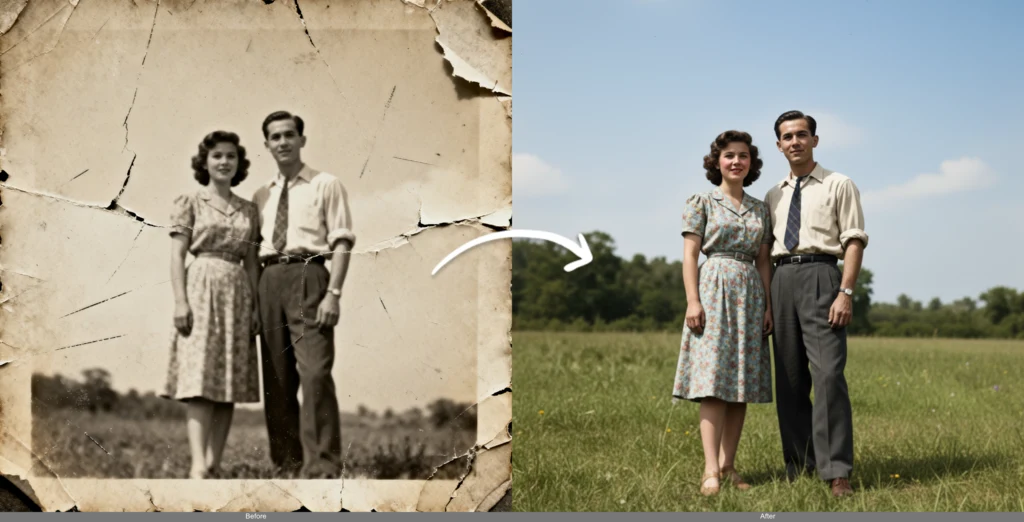
Restore & Colorize Old Photos
Bring faded family memories back to life. The AI image editor repairs scratches and tears, sharpens faces, and adds natural color to black-and-white prints.
Why families use it:
“Restore this old damaged photo, remove scratches and creases, sharpen the faces and colorize it naturally”
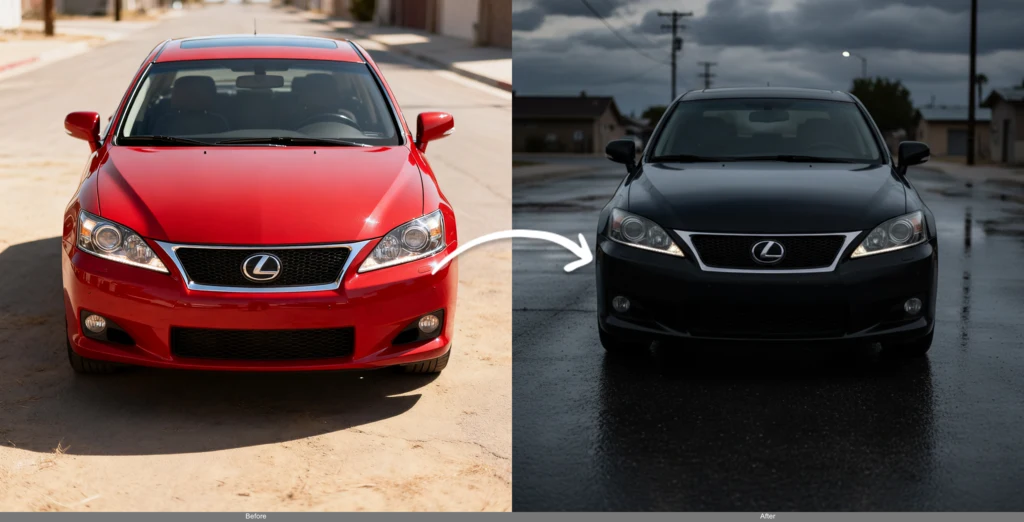
Fast Concept & Color Iterations
Explore directions before you commit. Swap colors, materials, weather or mood on a mockup so stakeholders can compare options side by side.
Why designers use it:
“Change the car color to matte black, add wet-road reflections and an overcast evening mood”
AI Image Editor vs. Traditional Photo Editing
Why type-to-edit beats hours of manual masking, layers and tool-hunting.
How to Use AI Image Editor
1. Choose Your Model
Select the best AI model for your task. Flux Kontext for context-aware editing, SeedEdit for precision, or Gemini Flash for speed.
2. Upload Your Image
Upload any photo, artwork, or digital content. Our AI image editor works with all common formats and sizes.
3. Describe Your Vision
Write clear instructions for your desired changes. The AI understands natural language and performs complex editing tasks.
AI Image Editor FAQ
Can the AI image editor keep a person's face consistent across edits?
Yes. Powered by Flux Kontext, the AI image editor is built to preserve identity while you change everything around it. You can restyle a portrait, change the outfit, hair color or background, and the face stays recognizably the same person — which is exactly where prompt-based editing usually breaks. For the strongest consistency, use a Flux Kontext model and keep your prompt focused on the specific change you want.
How is prompt-based AI editing different from Photoshop?
Instead of learning layers, masks and selection tools, you simply describe the result in plain English and the AI image editor executes it. Photoshop gives you pixel-level manual control; the AI image editor gives you speed — most edits finish in 5–20 seconds with no tutorials. Many people use both: AI for the heavy lifting (background swaps, object removal, restyling) and manual tools only for final touch-ups.
Can I edit just one part of an image and leave the rest untouched?
Yes. Describe the specific region and change (for example, "only recolor the jacket to red") and the model keeps the rest of the photo intact. When you need pixel-precise control over exactly which area changes, use our dedicated AI Image Inpainting tool to paint a mask, then edit inside it.
Will AI editing lower my photo's resolution or quality?
The AI image editor preserves quality and works with high-resolution images, optimizing each upload for the chosen model. If you want to go even larger — for print, banners or 4K displays — run the finished result through our AI Image Upscaler to increase resolution without losing detail.
What can I actually change with the AI image editor?
Used as an all-in-one AI image editor and AI image changer, it handles a wide range of edits from a single prompt: • Remove text, watermarks and unwanted objects • Swap or clean up backgrounds • Restyle photos (anime, oil paint, 3D, cinematic) • Edit portraits — hair, outfit, expression • Virtually stage and declutter rooms • Restore and colorize old or damaged photos • Change colors, materials, lighting and mood
Which model should I choose?
Each model has a sweet spot: • Flux Kontext — best for context-aware edits and character consistency • SeedEdit V3 — precise, detailed modifications • Gemini Flash — fastest turnaround • MiniMax Image-01 — most affordable for basic edits You can try different models on the same image and keep the result you like best.
Is the AI image editor free to use?
Yes — you can start editing with free credits and no sign-up required. Simpler models cost fewer credits per edit, while premium models use more for higher quality. This lets you iterate cheaply and only spend more when a job needs top-tier results.
Are my uploaded images private?
Your uploads are used only to generate your edited results. We don't sell your images, and you retain rights to the pictures you create. Please only upload content you have the right to edit, and note that NSFW content is not permitted.
Explore More AI Image Tools
Finish the job with the rest of the Flux AI image toolkit.
Start Editing Your Photos with AI — Free
Upload an image, type what you want changed, and get a professional edit in seconds. No Photoshop, no sign-up.
Open the AI Image Editor