Free AI Image Upscaler — Upscale Any Image up to 10× Without Losing Detail
Drop in a small or blurry photo and the AI image upscaler rebuilds real detail — skin texture, fabric weave, lettering — instead of just stretching pixels. 5 specialised models, 2×-10×, results in seconds.
What 4× AI Upscaling Actually Looks Like
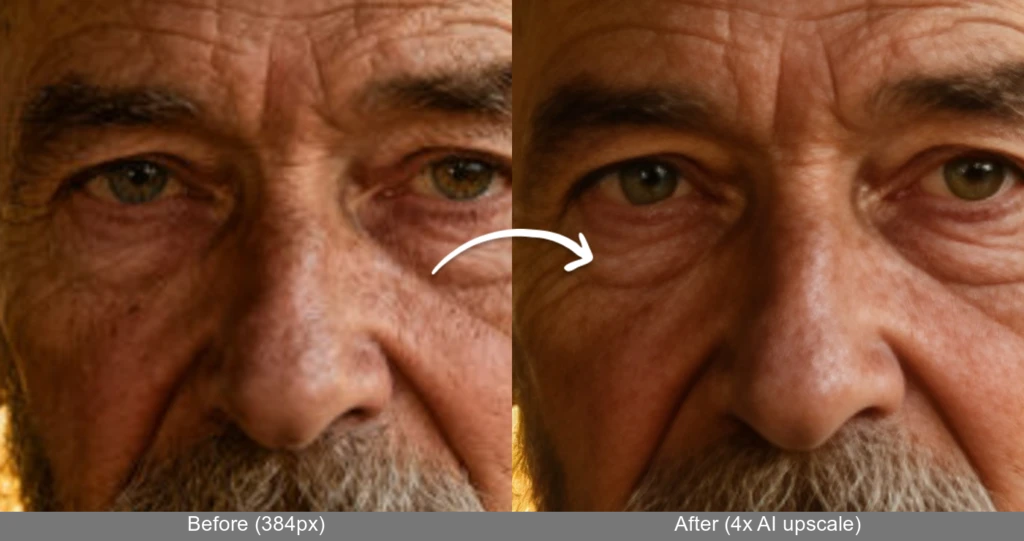
Both halves are shown at the same size. The left is a 384px photo enlarged the ordinary way; the right is the same crop after our AI image upscaler rebuilt it at 4×. Look at the eyelashes, pores and beard.
Available AI Image Upscaler Models
AI Image Upscaler Results
Compare original vs AI upscaled images. Experience our all-in-one AI image upscaler platform with multiple specialized models for different image types.
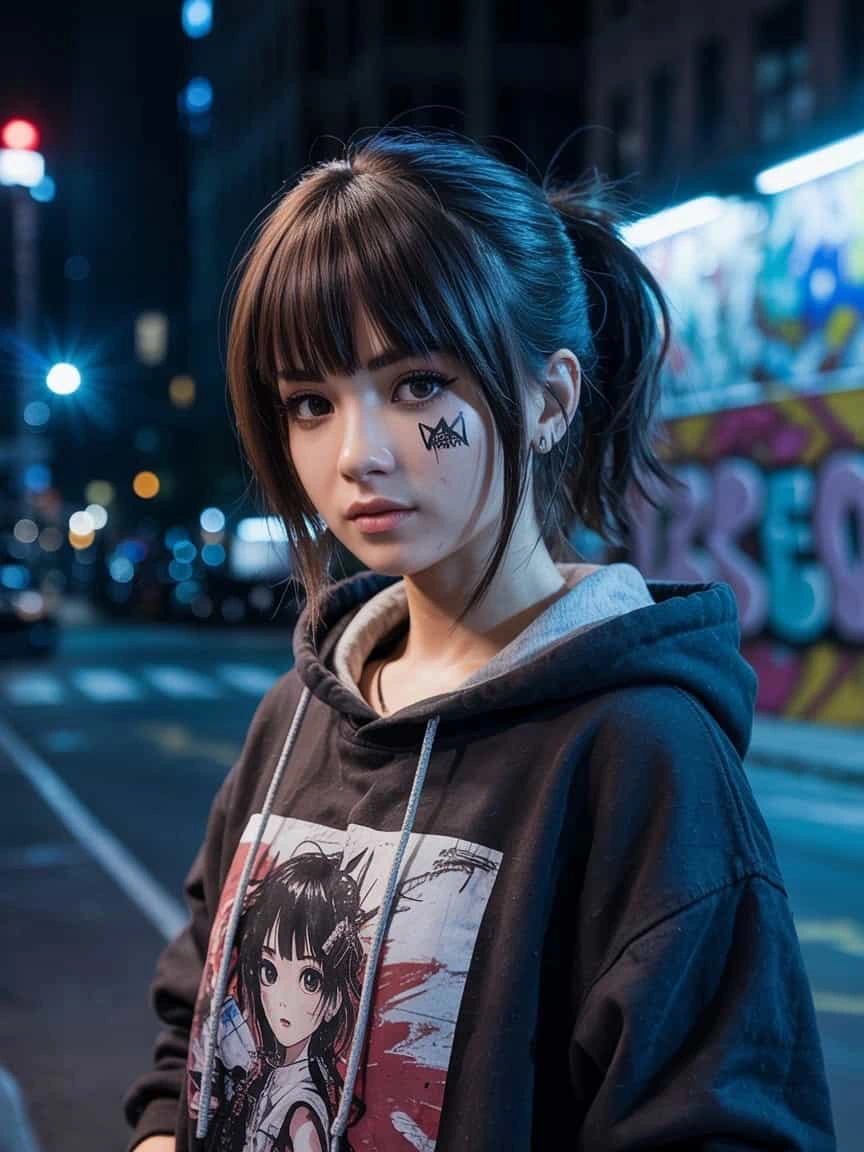
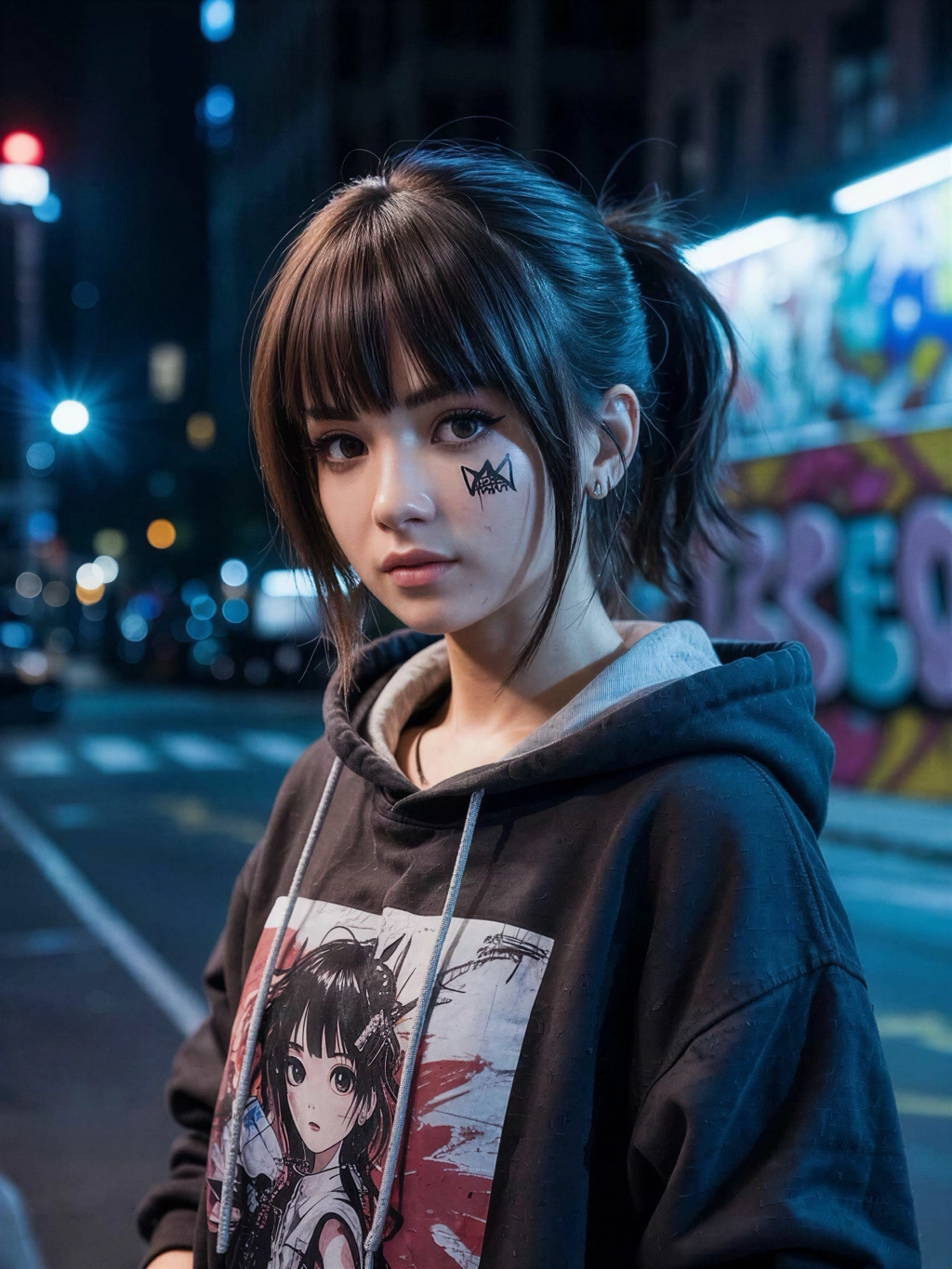
Portrait Enhancement - Crystal AI Image Upscaler (2×-8×)
Crystal AI image upscaler restores facial texture and fine detail with 2×-8× upscaling. Professional portrait AI upscaler preserves natural characteristics while enhancing resolution.
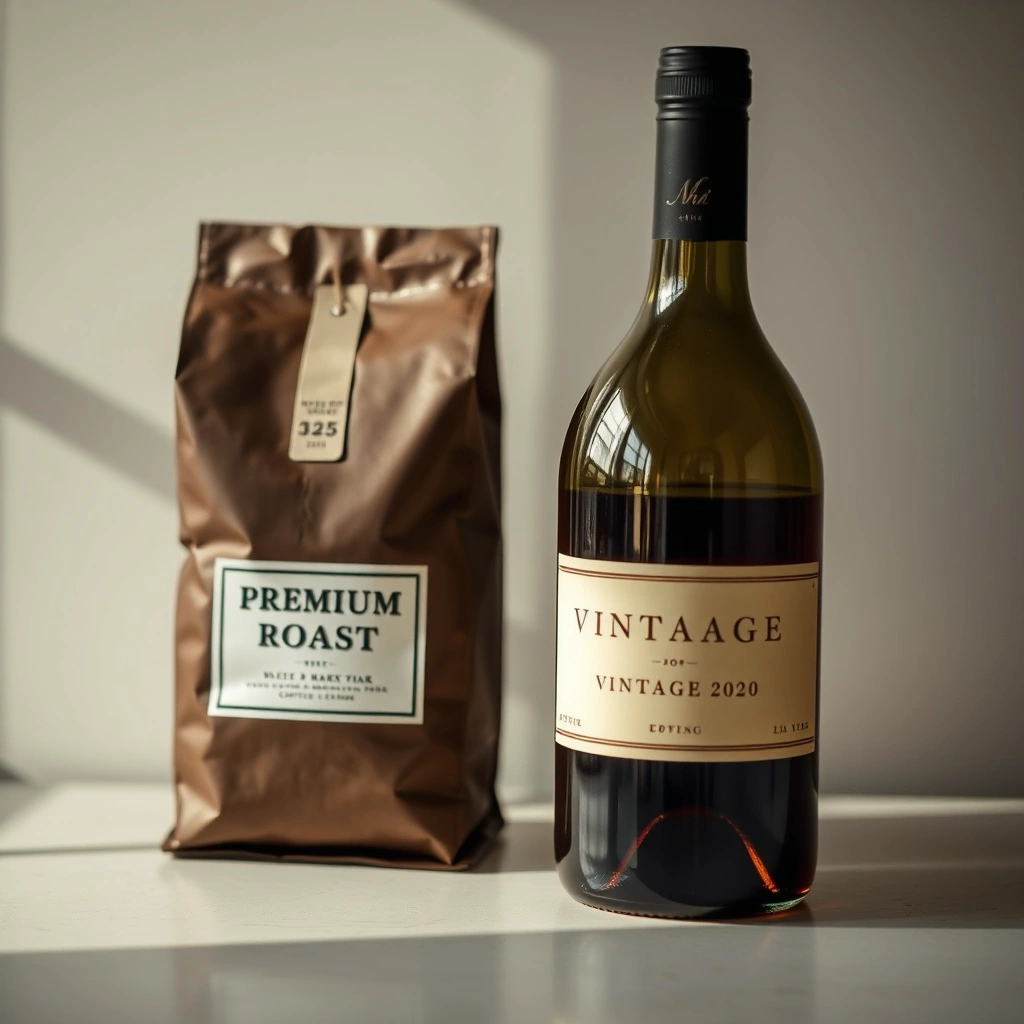
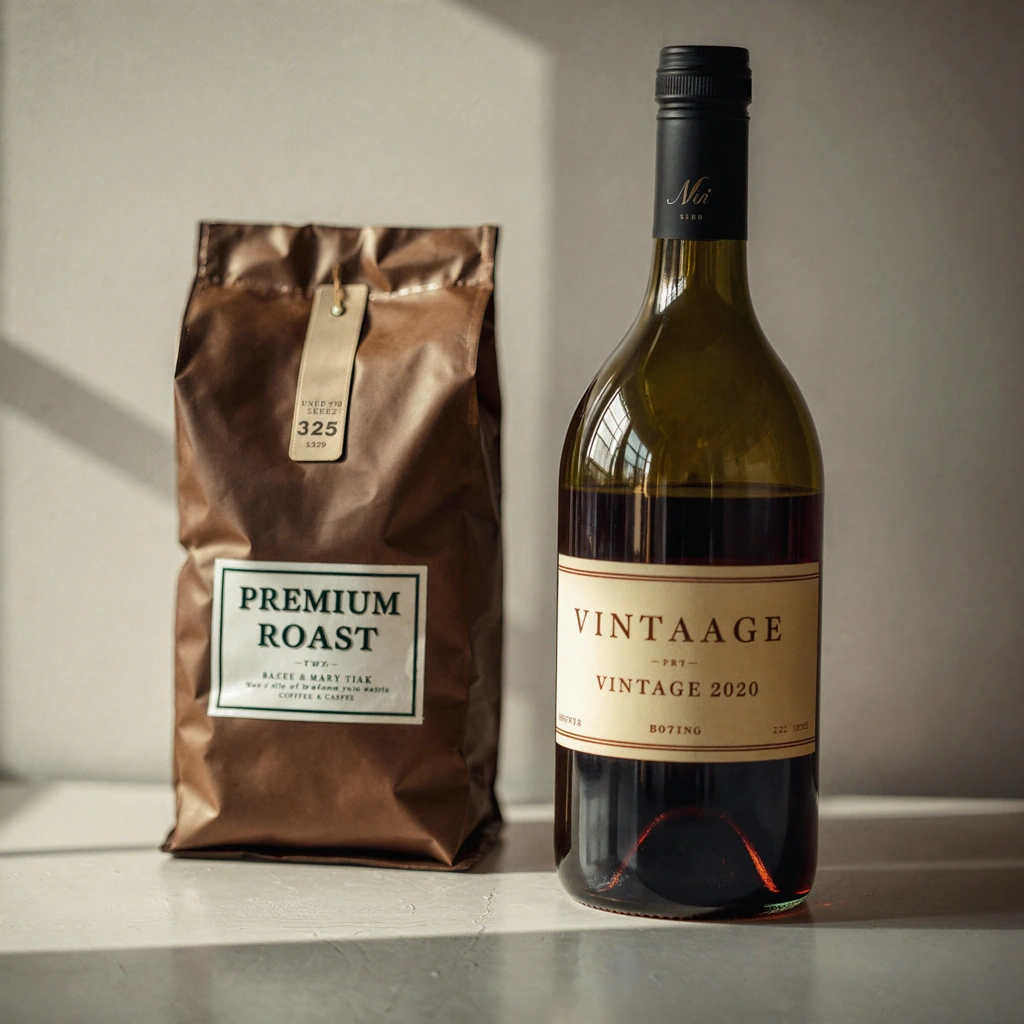
Product Photography - Flux Vision AI Upscaler (2×-4×)
Flux Vision AI image upscaler reconstructs sharp edges and reflections with creative 2×-4× upscaling. Advanced AI upscaler for professional product imagery.
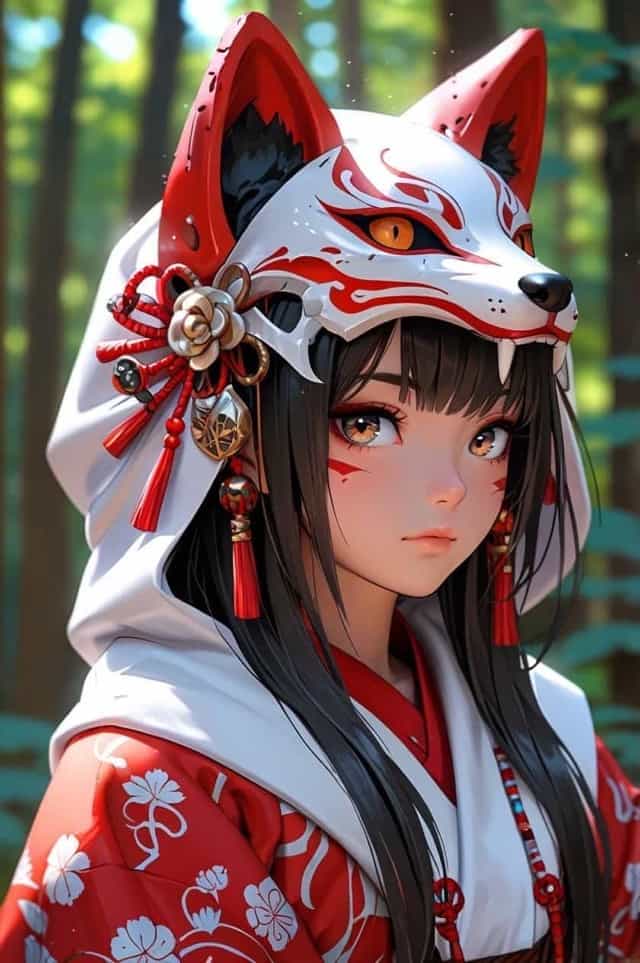
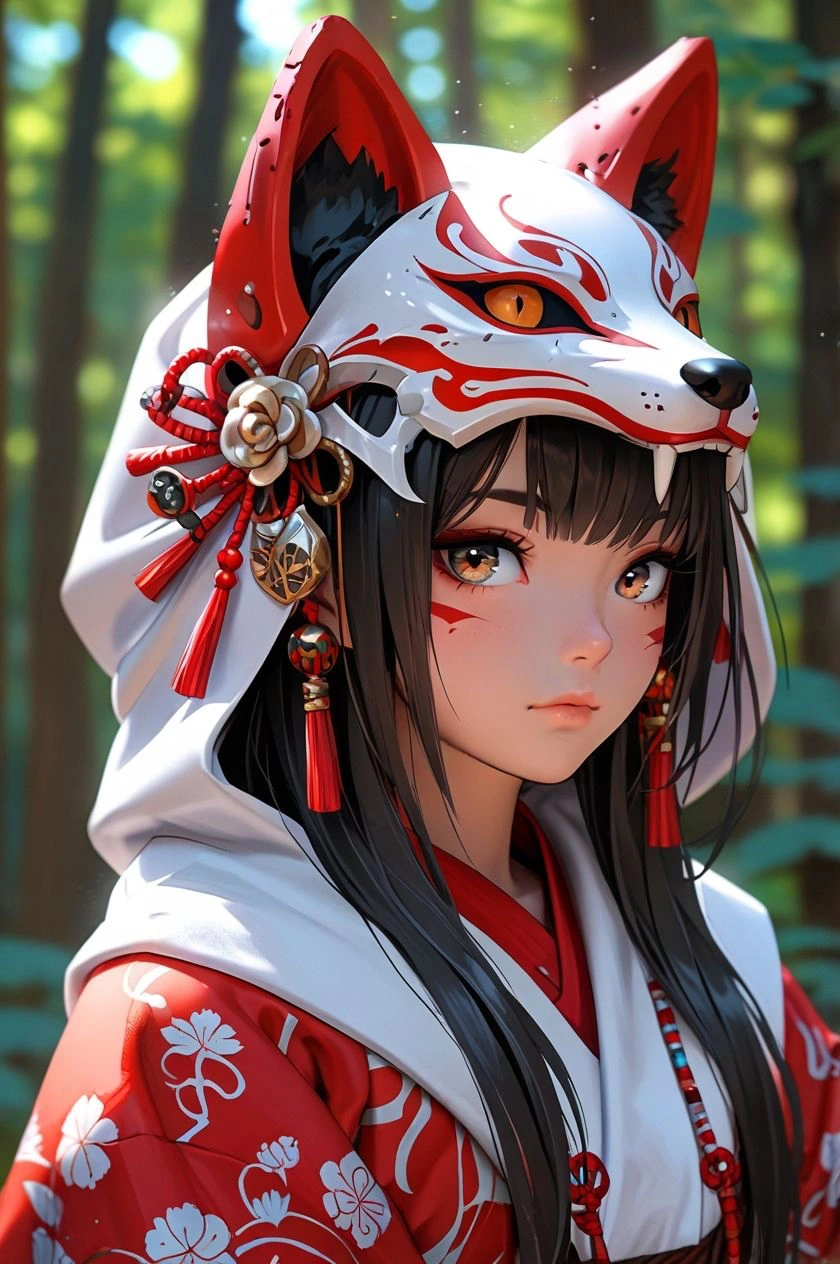
Digital Art - Topaz AI Upscaler (2×-4×)
Topaz AI image upscaler preserves artistic style with 2×-4× enhancement. Precision AI upscaler sharpens linework and enhances color vibrancy for anime and illustrations.
When You Need to Upscale an Image
The everyday jobs people bring to an AI image upscaler — and what changes when the resolution goes up.
Print Without Pixelation
A 1000px web image looks fine on screen and falls apart on paper. Upscale image files to 4×-10× first and you get posters, flyers and canvas prints with clean edges instead of visible blocks.
Rescue Old and Compressed Photos
Screenshots, WhatsApp forwards and decade-old phone pictures arrive soft and full of JPEG artifacts. The AI image upscaler rebuilds the texture that compression threw away rather than simply sharpening the mush.
E-commerce Zoom That Holds Up
Marketplaces want large images so buyers can zoom into stitching, labels and materials. Upscale product shots to meet Amazon and Shopify resolution rules without paying for a reshoot.
Make AI Art Usable at Full Size
Most generators top out around 1-2MP. Run the result through the AI image upscaler to reach 4K-plus so your artwork survives large prints, wallpapers and merch.
Sharpen Faces in Group Photos
When the subject is small in frame, faces turn to mush the moment you crop in. Portrait-tuned models restore eyes, hair and skin detail while keeping the person recognisable.
Clean Up Video Stills and Screenshots
Frames grabbed from video are low resolution by nature. Upscaling turns a usable-but-soft still into something you can put in a thumbnail, article or presentation.
AI Image Upscaler vs. Ordinary Resizing
Why enlarging in Photoshop or a free resizer never actually adds detail.
AI Image Upscaler FAQs
How is AI upscaling different from just resizing an image?
A normal resize stretches the pixels you already have, so a small photo simply becomes a bigger blurry photo. An AI image upscaler predicts the detail that was never captured — pores, hair strands, fabric weave, the edge of a letter — and paints it in. That is why AI upscaling stays sharp at 4× or more while bicubic resizing falls apart after about 2×.
How far can I upscale an image before it stops looking good?
Our models go from 2× up to 10× depending on which one you choose. In practice, 2×-4× is safe for almost any photo and is what most print jobs need. 8×-10× works best when the source is reasonably clean to begin with; a very small, heavily compressed image will still improve, but expect the model to invent more of the fine detail.
Which upscaler model should I pick?
Each model has a specialty: • Crystal Upscaler — portraits and faces, 2×-8× • Flux Vision Upscaler — product and commercial photography • Topaz — the safest all-rounder for photographic detail, up to 4× • SeedVR — heavily degraded or low-quality sources • Recraft Crisp — illustrations, logos and flat artwork If you are unsure, start with the default and try a second model on the same image to compare.
Will upscaling change how a person looks?
The portrait-tuned models are built to keep identity intact — they restore texture rather than reshaping features. If you push creativity settings high, the model reconstructs more aggressively and small details can drift, so keep creativity low when facial accuracy matters, such as for ID-style or family photos.
Can I upscale AI-generated images?
Yes, and it is one of the most common uses. Most generators output around 1-2MP, which is not enough for a large print or a 4K wallpaper. Running the result through the AI image upscaler takes it to print resolution while keeping the original style and composition.
Does upscaling remove blur or JPEG artifacts?
It reduces them substantially. Because the model rebuilds the image rather than sharpening it, compression blocks and mild softness get resolved into real texture during reconstruction. Severe motion blur is a different problem — upscaling will sharpen the frame, but it cannot recover a subject that was never in focus.
What file formats and sizes are supported?
JPG, PNG and WebP all work, in colour or greyscale. Very large sources combined with a high scale factor take longer to process, so start with 2×-4× if you want a fast result and only go higher when you actually need the resolution.
How much does it cost and are my images stored?
Cost depends on the model and scale factor you choose, and you can start free with no sign-up. Upscaled results are not stored permanently, so download yours once it appears. Please only upload images you have the right to edit; NSFW content is not permitted.
Explore More AI Image Tools
Finish the job with the rest of the Flux AI image toolkit.

Upscale Your First Image Free
Upload a small or soft photo, pick a scale factor, and see the detail come back. No Photoshop, no sign-up.
Open the AI Image Upscaler