Wan 2.6 AI Video Generator - 15-Second Multi-Shot 1080p Videos
Experience Wan 2.6 AI video generator with 15-second duration, multi-shot narrative control, and native audio sync. Create professional 1080p videos using advanced Wan 2.6 text-to-video and image-to-video technology on Flux AI.
Key Features of Wan 2.6 AI Video Generator
Discover Wan 2.6 AI video generator capabilities including 15-second duration, multi-shot control, and 1080p resolution
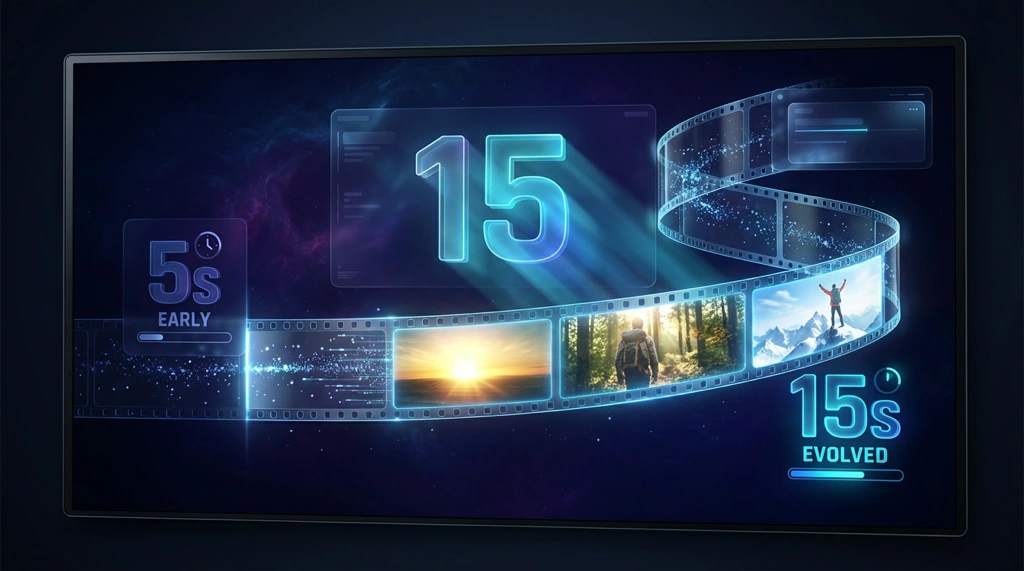
15-Second Extended Duration
Wan 2.6 AI video generator delivers extended 15-second videos, tripling the duration of previous versions. This Wan 2.6 video generator enables complete narrative arcs and storytelling sequences, making it the premier choice for professional content creation and social media videos.
Multi-Shot Narrative Control
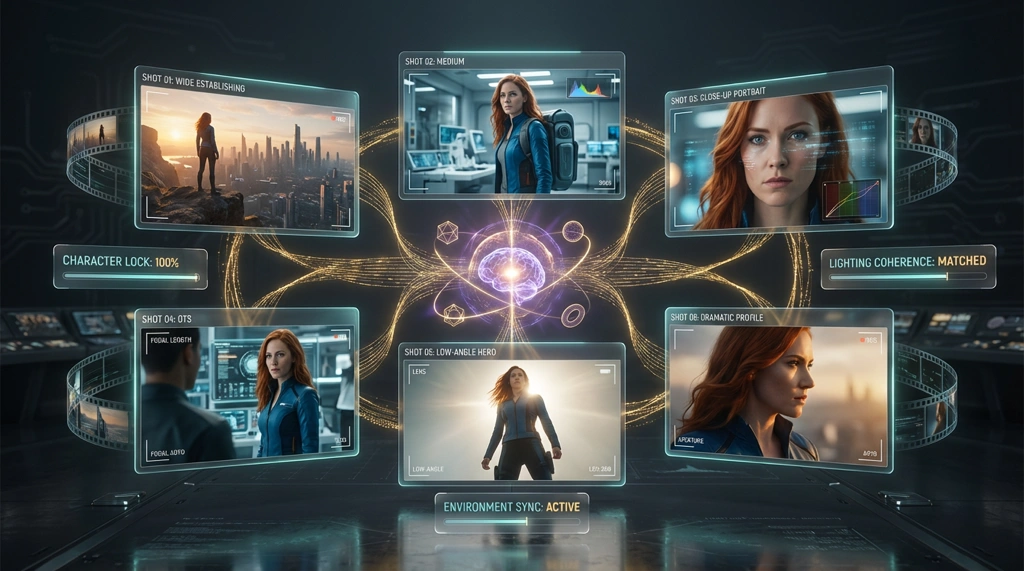
Revolutionary multi-shot generation sets Wan 2.6 apart from other video generators. Wan 2.6 creates sequences with multiple camera angles and shots in a single generation, maintaining perfect character, environment, and lighting consistency across all shots for professional filmmaking quality.
Native Audio-Visual Synchronization
Wan 2.6 features built-in native audio sync with precise lip-sync capabilities for natural character animation and dialogue. The Wan 2.6 video generator creates perfectly synchronized soundtracks and sound effects, eliminating separate audio production workflows with professional-grade audio quality.

1080p Ultra HD Resolution
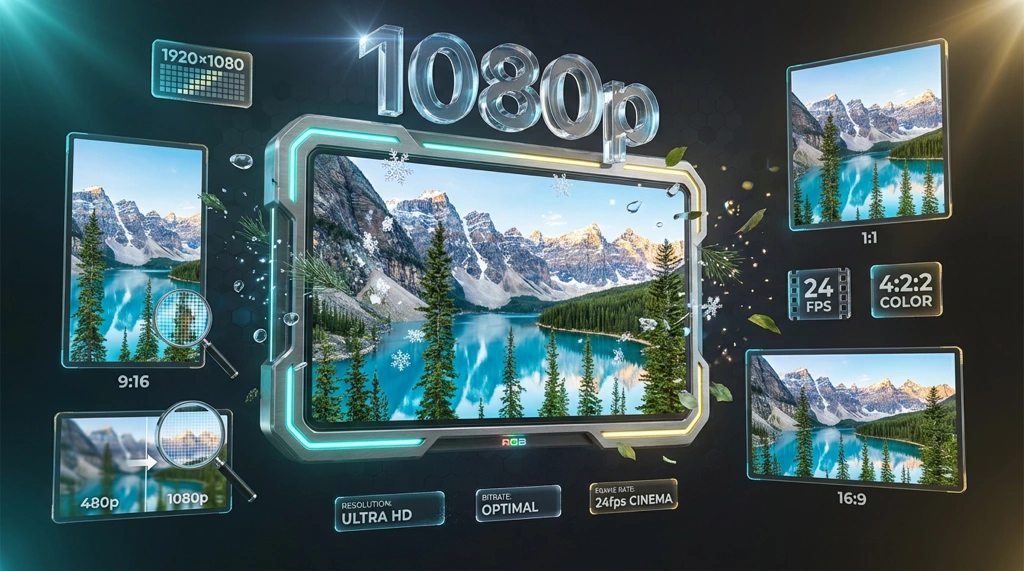
Wan 2.6 supports native 1080p Ultra HD at 24fps, delivering stunning visual quality with crystal-clear details. This Wan 2.6 AI video generator also offers 720p and 480p options across multiple aspect ratios including 16:9, 9:16, and 1:1 for versatile content creation.
Video-to-Video Reference Generation
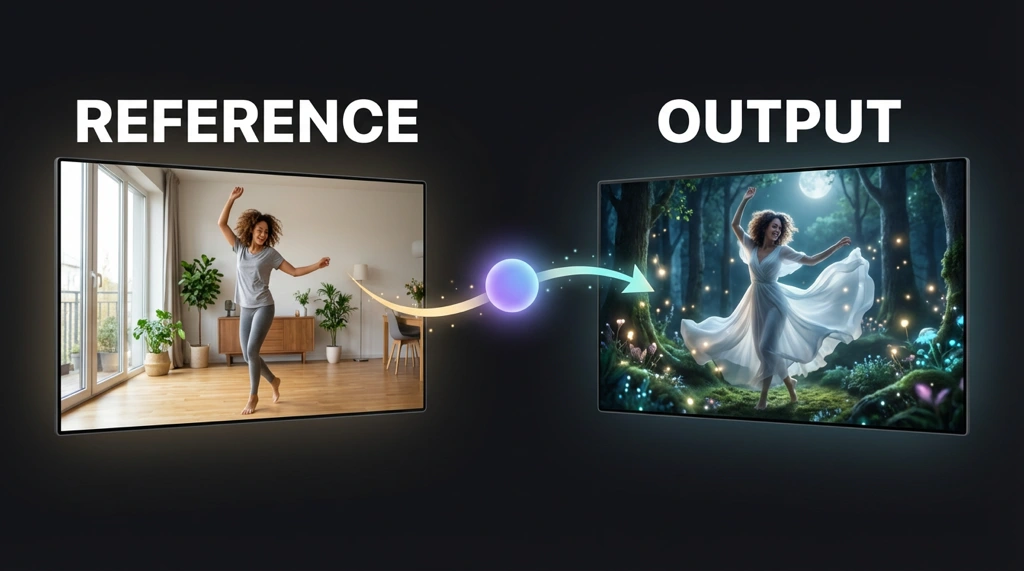
Wan 2.6 introduces advanced video-to-video capabilities, allowing you to input reference videos to guide appearance and tone. This Wan 2.6 feature enables consistent style transfer and precise control over the generated output, perfect for maintaining brand consistency and creative vision.
Dual Model Options
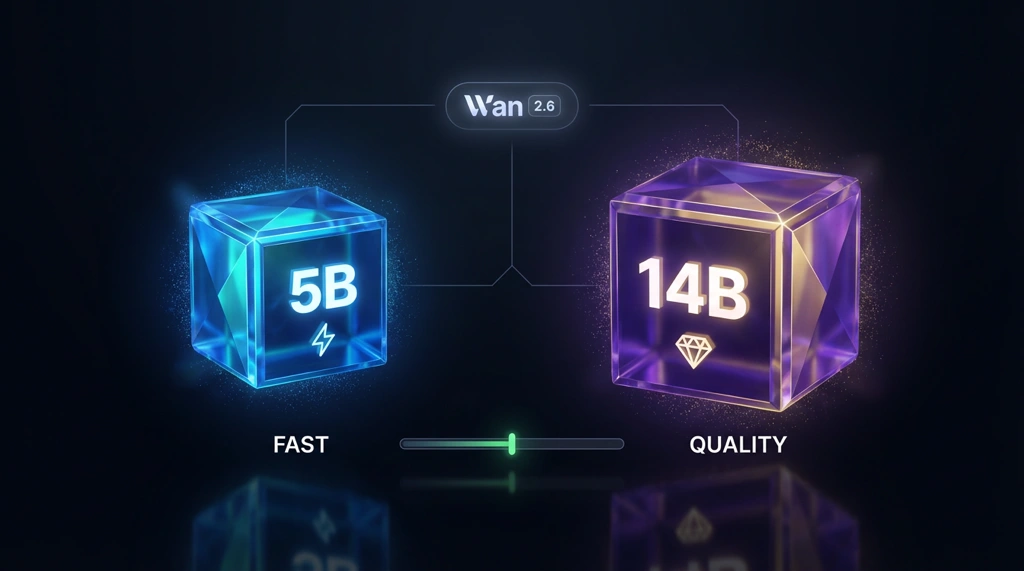
Wan 2.6 offers both 5B and 14B parameter models, providing flexibility between efficiency and quality. Choose the Wan 2.6 5B model for faster processing or the 14B model for maximum quality, supporting text-to-video, image-to-video, and video-to-video generation modes.
Wan 2.6 AI Video Generator
Wan 2.6 is the latest AI video generation model from Alibaba, featuring 15-second extended duration, multi-shot narrative control, and native audio-visual synchronization.
Core Features of Wan 2.6
- 15-Second Duration: Triple the length of previous versions, enabling complete narrative arcs
- Multi-Shot Control: Generate sequences with multiple camera angles while maintaining character and environment consistency
- Native Audio Sync: Built-in lip-sync and soundtrack generation eliminates separate audio production
- 1080p Ultra HD: Professional-quality output at 24fps with multiple aspect ratios
Wan 2.6 Generation Modes
Text-to-Video: Transform prompts into 15-second multi-shot videos with Wan 2.6's natural language processing.
Image-to-Video: Bring static images to life with Wan 2.6's motion generation and synchronized audio.
Video-to-Video: Use reference videos to guide appearance and tone in Wan 2.6 generations.
Wan 2.6 Model Options
Wan 2.6 offers dual model architecture:
- Wan 2.6 5B: Faster processing for efficient content creation
- Wan 2.6 14B: Maximum quality for professional applications
Resolution Options
Wan 2.6 supports multiple resolutions and aspect ratios:
- 720p Pro: 1280×720, 720×1280, 960×960
- 1080p Ultra: 1920×1080, 1080×1920, 1440×1440
Professional Applications
Wan 2.6 excels in social media content, marketing videos, filmmaking, and product demonstrations with its multi-shot narratives and native audio sync.
Getting Started with Wan 2.6
- Navigate to Wan AI and select Wan 2.6
- Choose Wan 2.6 5B or 14B model
- Select generation mode and resolution
- Input your prompt or upload media
- Generate and download your Wan 2.6 video
Wan 2.6 AI Video Generator FAQ
Get answers to common questions about Wan 2.6 video generation