Free Image to Pixel Art Converter — Turn Any Photo into Pixel Art
Upload a photo and get clean retro pixel art back. Control pixel scale, cap the colour palette and export a transparent PNG — free, in your browser, no account needed.
Explore More AI Tools
Discover our powerful suite of AI-powered image tools designed to enhance your creative workflow

Perfect for Every Pixel Art Project
Transform any image into authentic pixel art. Our free Image to Pixel converter delivers polished results for game development, NFT collections, and social media content.
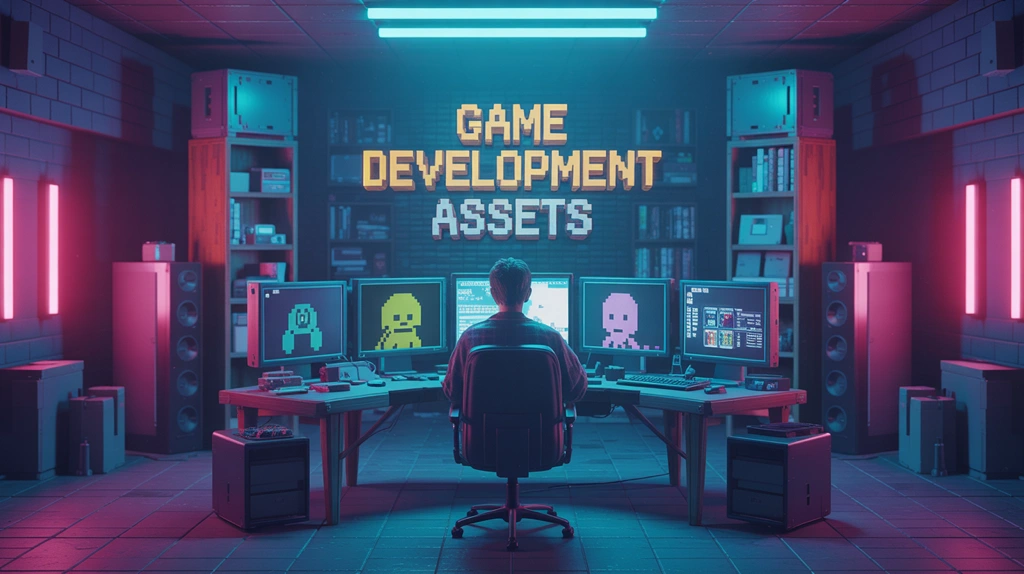
Game Development Assets
Create authentic Image to Pixel sprites, characters, and game assets instantly. Perfect for indie developers, this free converter turns concepts into ready-to-use resources with customizable transparency and retro aesthetics.
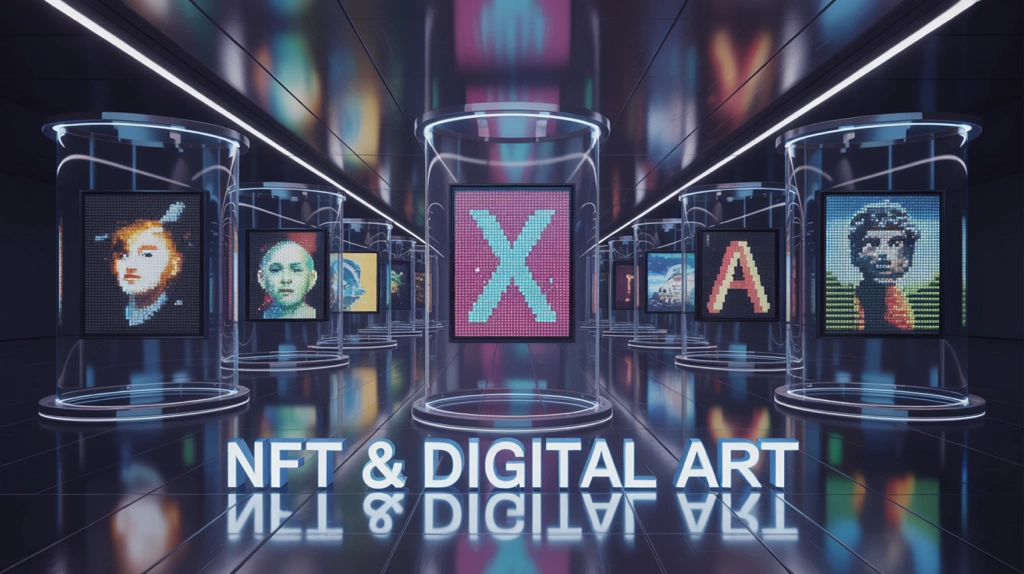
NFT & Digital Art
Generate unique Image to Pixel art for NFT collections and digital artwork. Convert portraits, landscapes, or custom designs into free collectible pieces with vibrant palettes and clean edges that stand out in any marketplace.
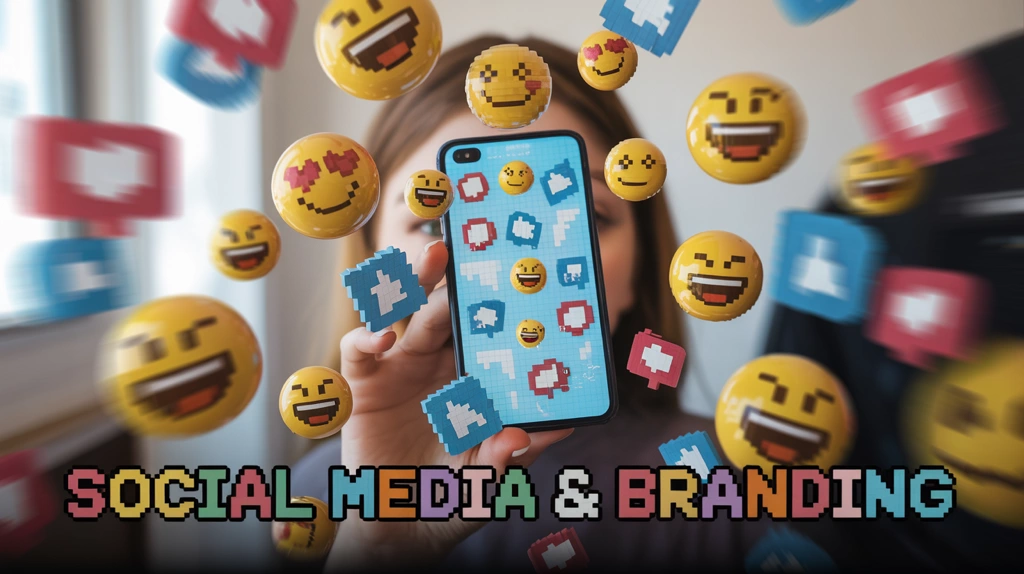
Social Media & Branding
Stand out with retro-styled profile pictures, stickers, and custom emojis. Our free Image to Pixel converter helps you create eye-catching social media content that captures attention and builds a memorable brand identity.
How to Use the Free Image to Pixel Converter
1. Upload Your Image
Choose any image you want to send through the free Image to Pixel converter (JPG or PNG format)
2. Adjust Settings
Configure maximum colors and enable transparent background if needed for your free Image to Pixel art
3. Generate Pixel Art
Click generate to download your retro Image to Pixel art for free in seconds
What People Convert to Pixel Art
The jobs this pixel art converter gets used for most — and what to set for each.
Game Sprites & Tilesets
Turn concept art or photos into sprite-ready assets for an indie game. Drop the pixel scale low and cap the palette so the output matches the rest of your tileset instead of looking like a filtered photo.
Retro Profile Pictures
Convert a selfie into an 8-bit avatar for Discord, Twitch or X. Keep the pixel size moderate so facial features stay readable at small display sizes.
Stickers & Custom Emotes
Export with a transparent background and your pixel art drops straight into Slack, Discord or a sticker pack with no white box around it.
Pixel Art Prints & Merch
Pixelate a photo for posters, t-shirts or bead-art patterns. A limited colour count keeps printing costs down and makes the grid easy to follow by hand.
NFT & Collectible Art
Build a consistent collection by running every source image through the same pixel scale and palette settings, so the whole set shares one visual language.
Thumbnails & Social Posts
Retro visuals stand out in a feed of photographs. Convert a product shot or screenshot into pixel art for a scroll-stopping post or video thumbnail.
Pixel Art Converter vs. Manual Pixelation
Why a dedicated converter beats a blur filter or drawing it by hand.
Free Image to Pixel Converter FAQs
How do I convert an image to pixel art?
Upload any JPG, PNG or WebP, then set two things: pixel scale (how big each block is) and maximum colours (how limited the palette should be). The converter rebuilds your photo on that grid and you download the result as a PNG. It runs in your browser and needs no account.
How does the converter work?
Our free Image to Pixel converter analyzes your image and: • Detects the optimal pixel scale automatically • Reduces colors to create a retro palette • Applies pixel-perfect downscaling • Optionally removes backgrounds • Generates clean, crisp pixel art
What image formats are supported?
Supported image formats: • JPG/JPEG • PNG • Maximum file size: 5MB • Recommended resolution: 500x500 to 2000x2000 pixels
What does 'maximum colours' actually change?
It caps how many distinct colours survive in the output. This is the single setting that decides whether the result looks like authentic pixel art or just a blurry photo. Classic 8-bit looks land around 16-32 colours; 64+ keeps more of the original shading but reads as less retro. Lower counts also make bead-art and cross-stitch patterns much easier to follow.
When should I use transparent background?
Enable transparent background when: • You want to remove the image background • Creating sprites or game assets • Making stickers or icons • Compositing pixel art over other images Note: Works best with images that have a solid or simple background.
What pixel scale should I use?
Larger pixel scale means chunkier blocks and a stronger retro feel, but less detail survives. For a face or anything with fine features, stay moderate so eyes and mouth remain readable. For game sprites and icons, go bigger — the coarser grid is what makes them read as sprites.
Can I use the pixel art commercially?
You can use the generated pixel art for: • Personal projects • Game development • Social media content • Art projects However, ensure you have rights to the original source image. We don't claim ownership of your generated pixel art.
How can I get the best results?
Tips for best pixel art conversion: • Use images with clear subjects • Avoid overly complex or detailed photos • Try different color counts to find the best look • Images with strong contrast work better • Simple backgrounds give cleaner results • Portrait and character images often convert beautifully
Can I get a transparent background?
Yes — enable transparency and the converter exports a PNG with a transparent background instead of a solid colour. That is what you want for stickers, Discord emotes, game sprites and anything you will layer over another image.
Is this pixel art converter really free?
Yes. Converting images to pixel art is free in your browser, with no sign-up and no watermark on the output. If you also want to generate pixel art from a text description rather than a photo, try our Pixel Art AI generator.
Explore More AI Image Tools
Finish the job with the rest of the Flux AI image toolkit.
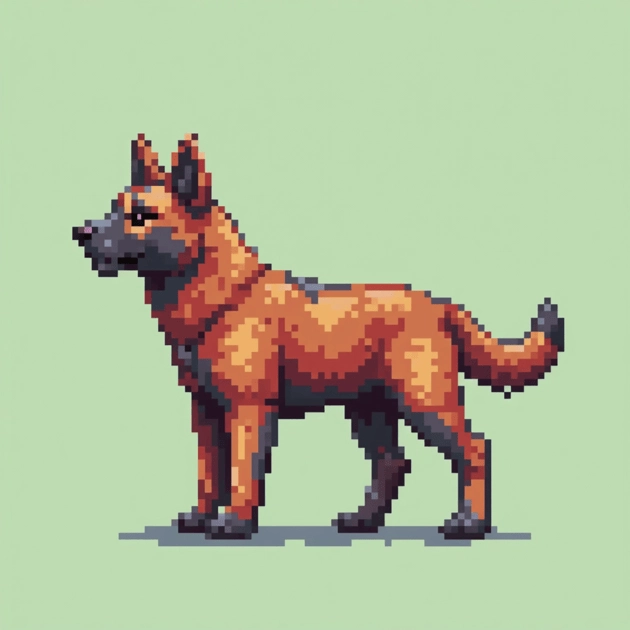
Convert Your First Image to Pixel Art Free
Upload a photo, set the pixel size and palette, and download your pixel art. No account, no watermark.
Open the Pixel Art Converter